

















X3 Pro Pencil
Transforms every stroke
into an exact digital
reflection of your ideas.
Standalone Drawing Pad – No Computer Needed
X3 Pro Pencil: 16K Pressure Levels
12.2" Anti-Glare Etched X-Paper Display
3 Months of ibis Paint X
FAST FREE SHIPPING
Ship from the UK; Free shipping on all orders
24-MONTH-WARRANTY
Hassle-free warranty
QUALITY PURCHASE
30-day money-back guarantee
TECH SUPPORT
Lifetime customer support
ESSENTIAL_ACCESSORIES
Quantidade:
A Magic Studio On The Go
X3 Pro Pencil | 16K Pressure Levels | X-Paper Display

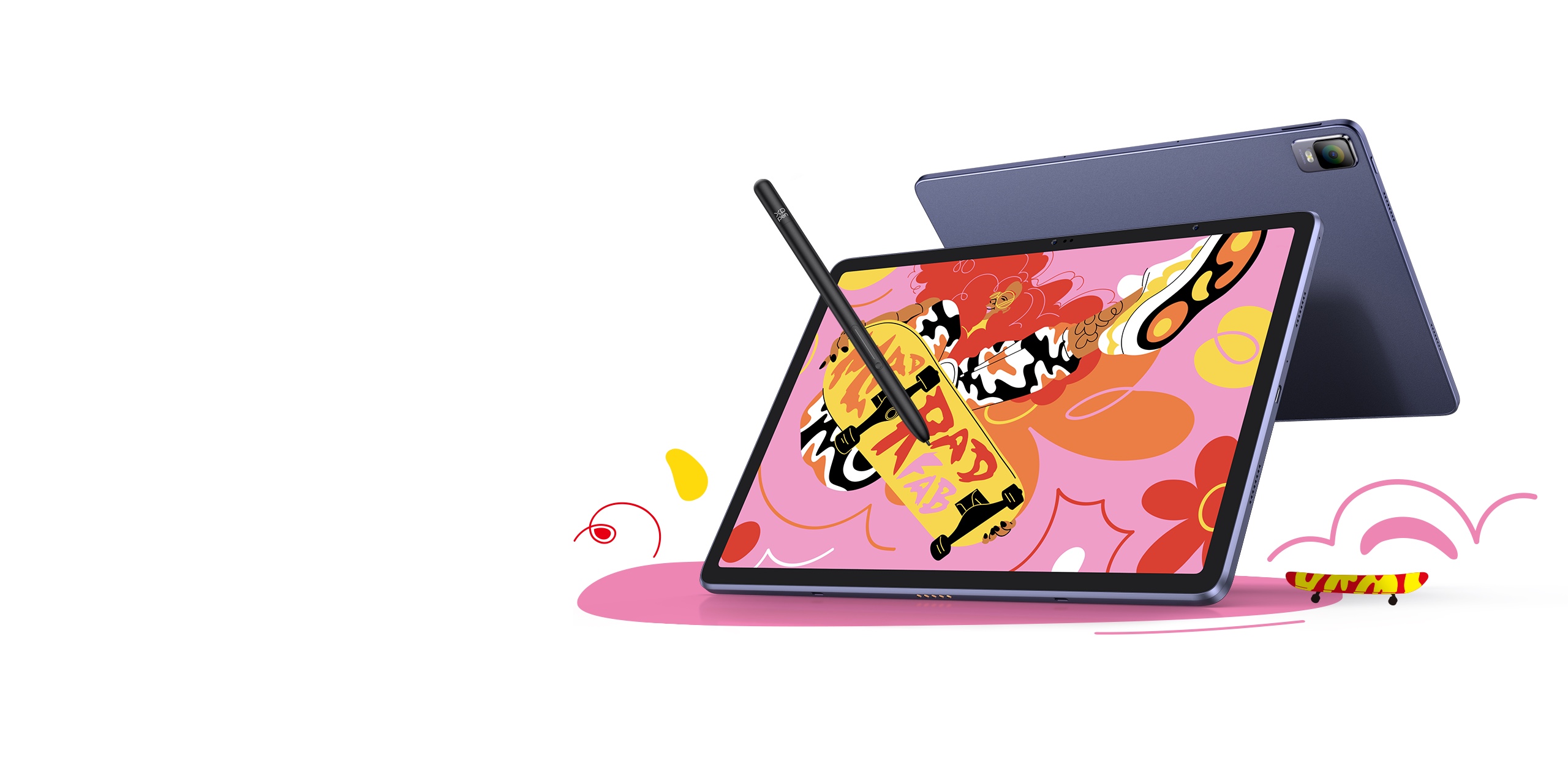
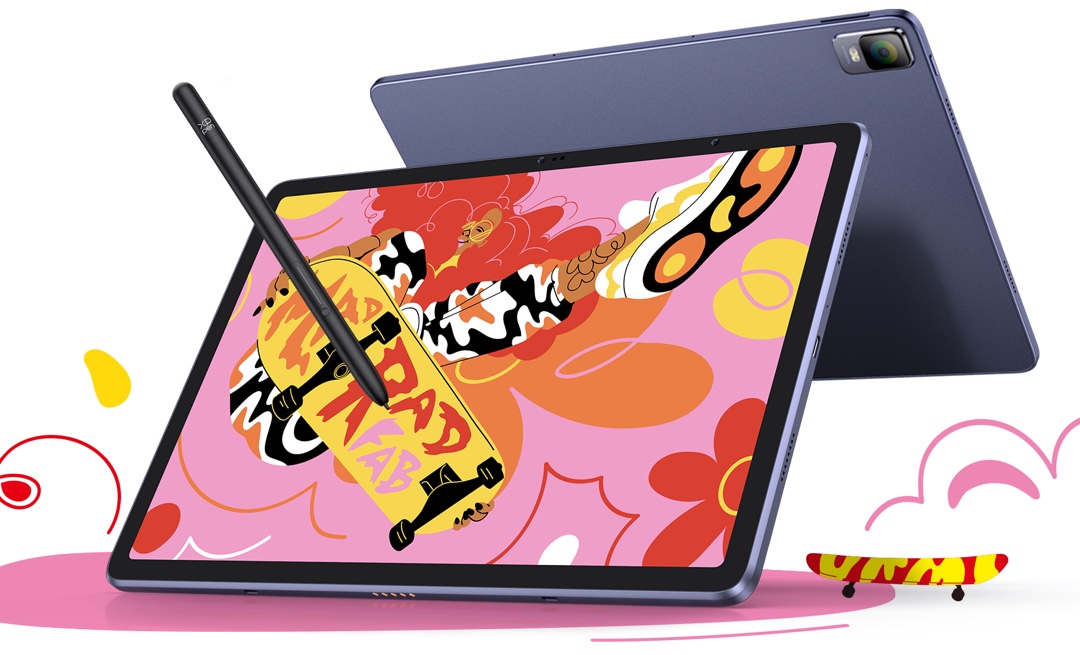

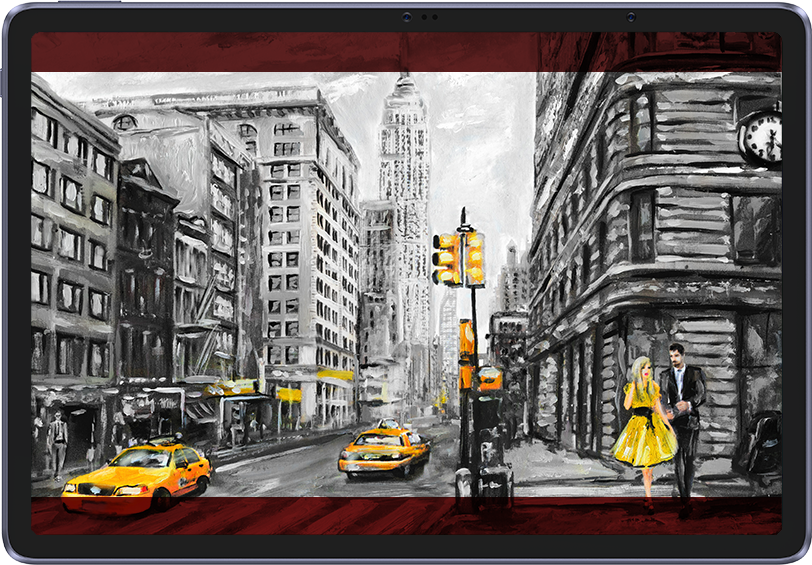
Artwork by Brazilian Artist, Paula Cruz
XPPen ArtMobile
A new benchmark for drawing on tablet
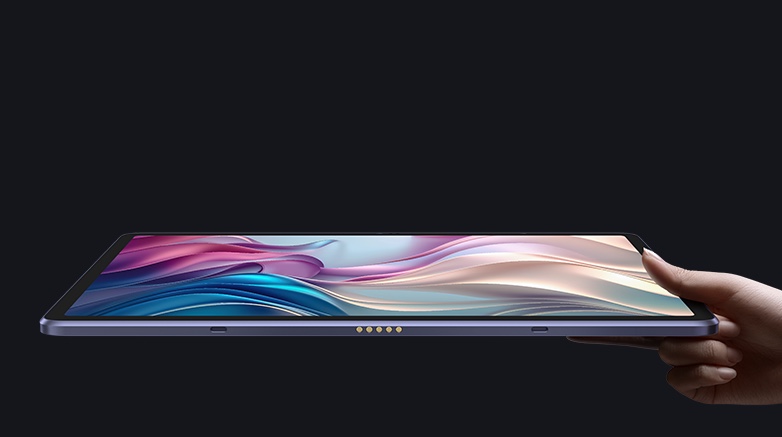
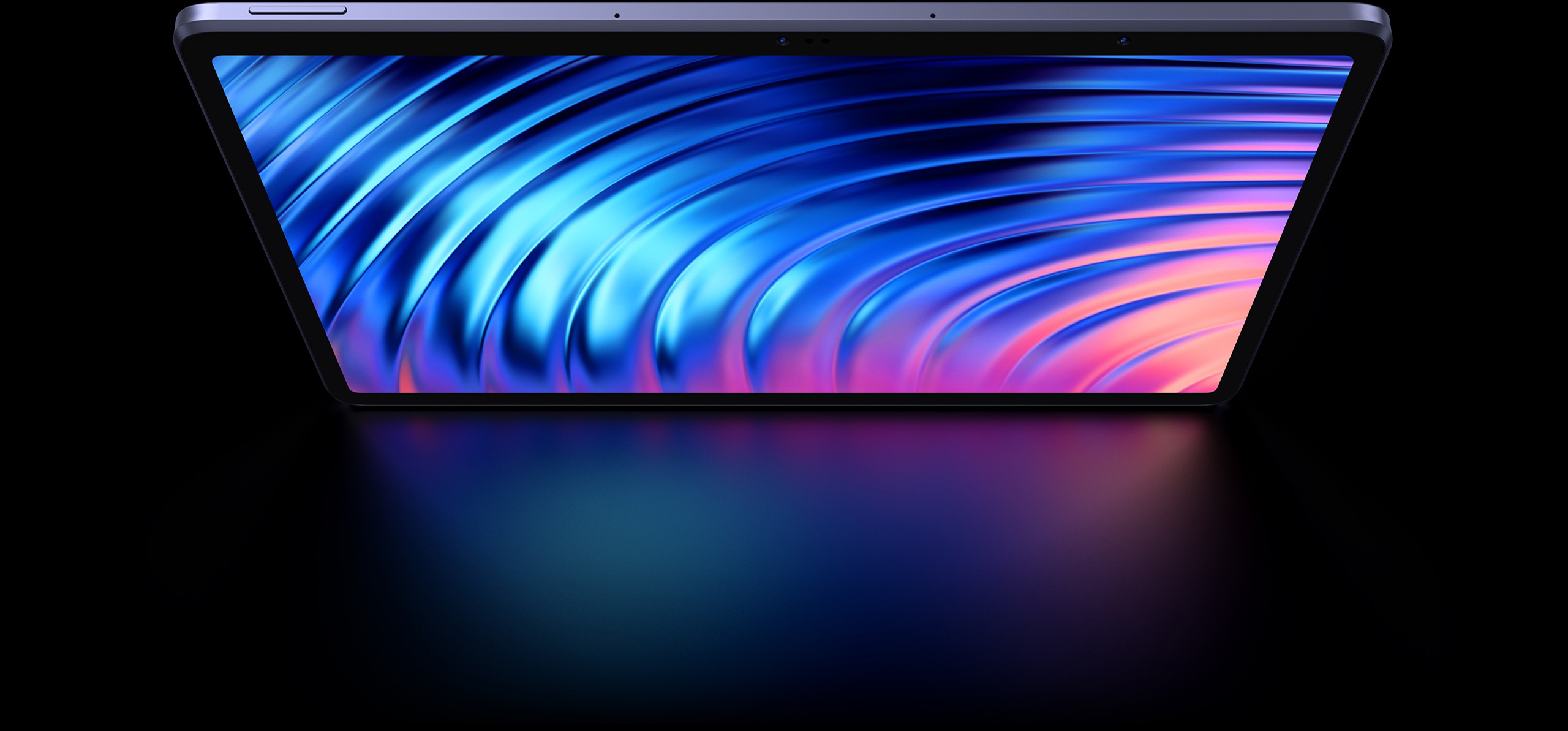
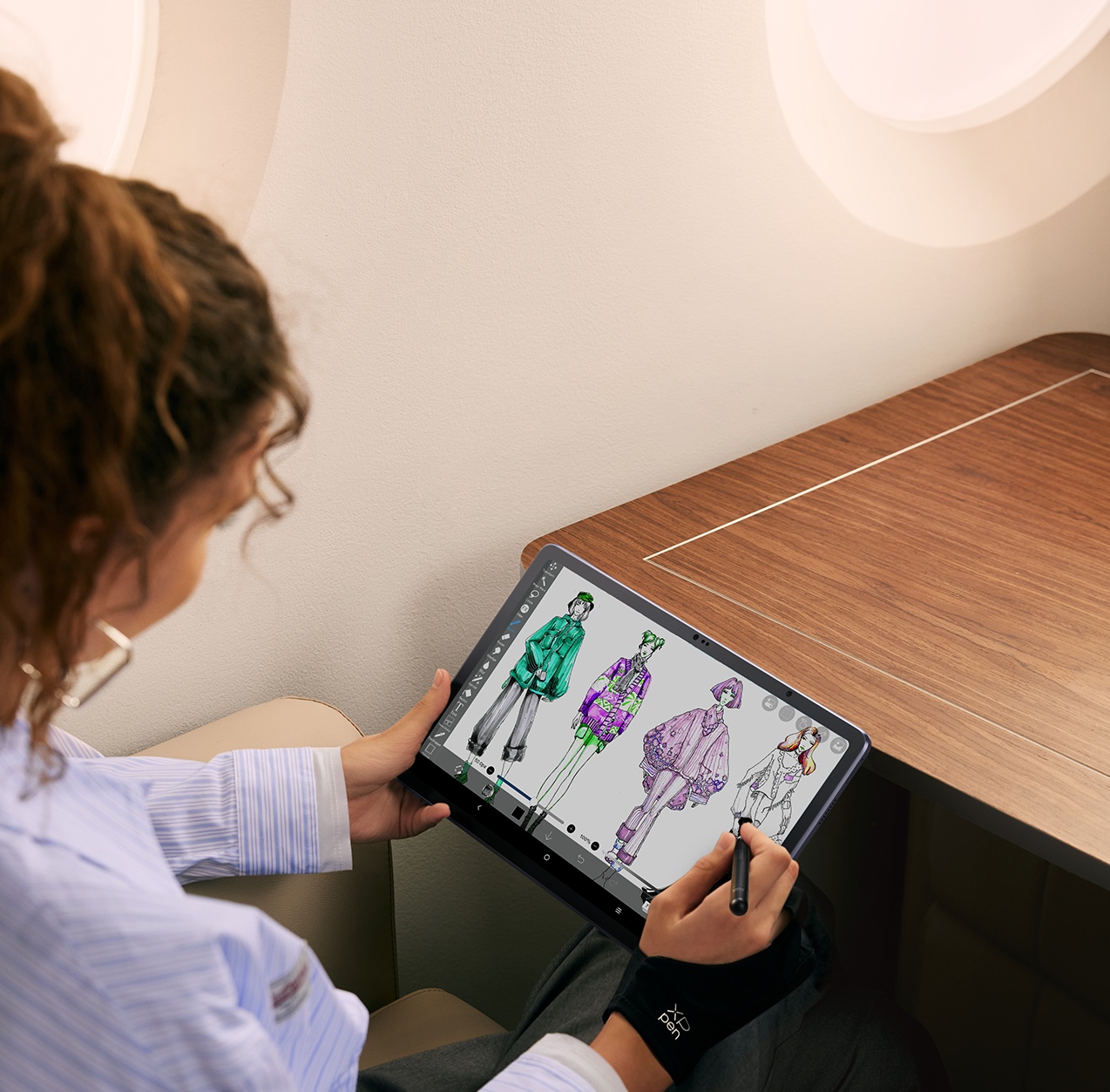
Imagine a studio quality creation — not necessarily in the studio. XPPen’s ArtMobile lets you create on the go, like a pro. It integrates the best of a professional studio into a 12.2-inch sized slim tablet. Brings any vision to life like never before, with the ultimate mobility.
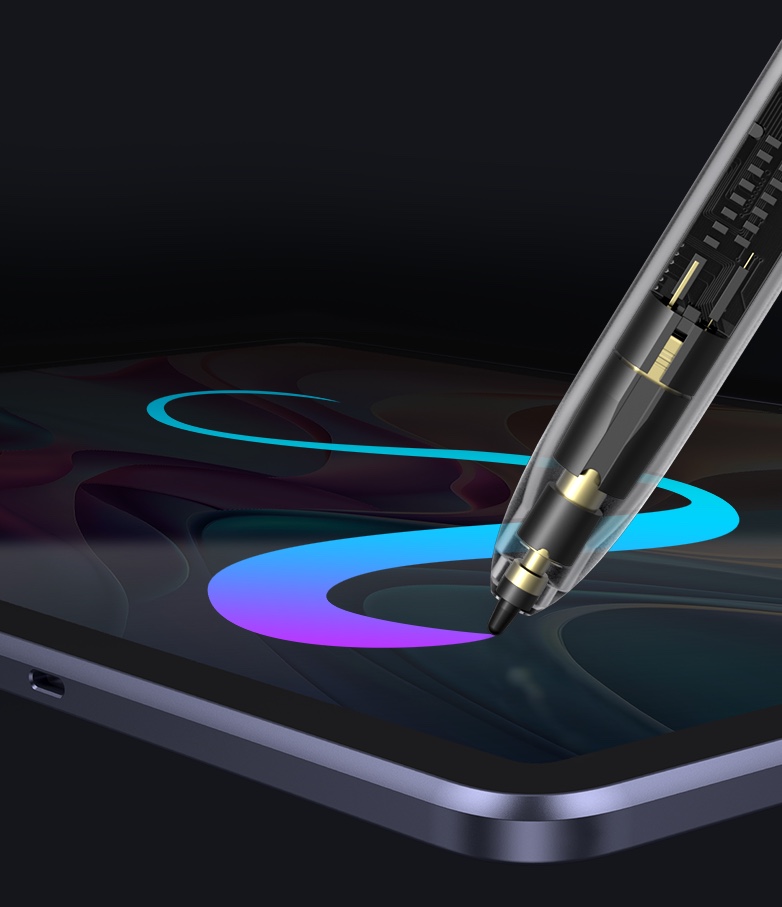
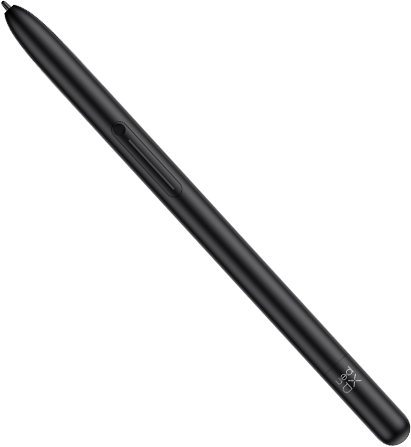
X3 Pro Pencil
Transforms every stroke
into an exact digital
reflection of your ideas.
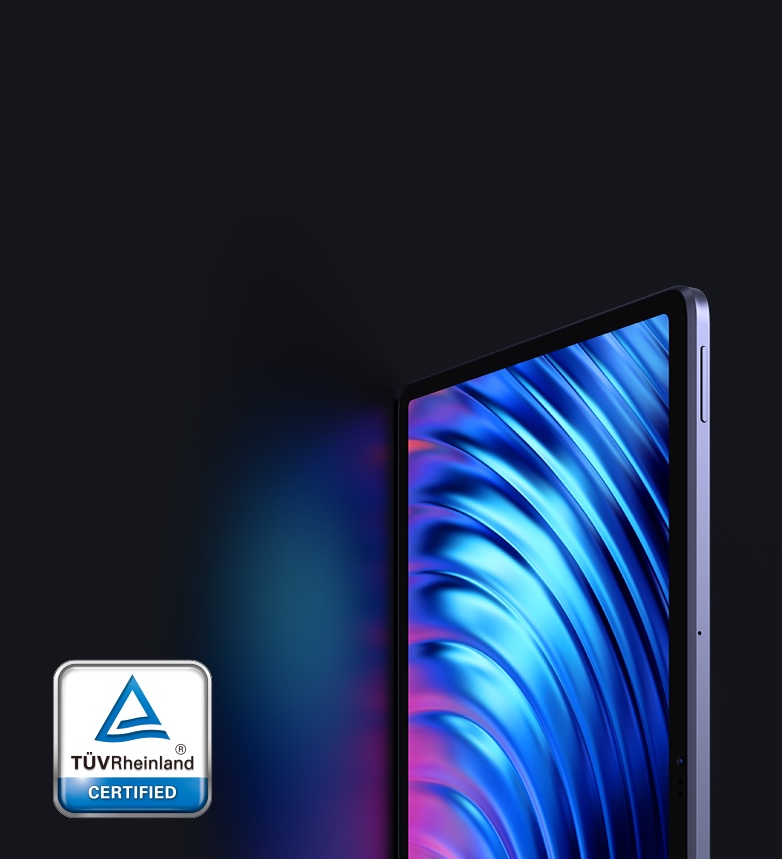
X-Paper Display
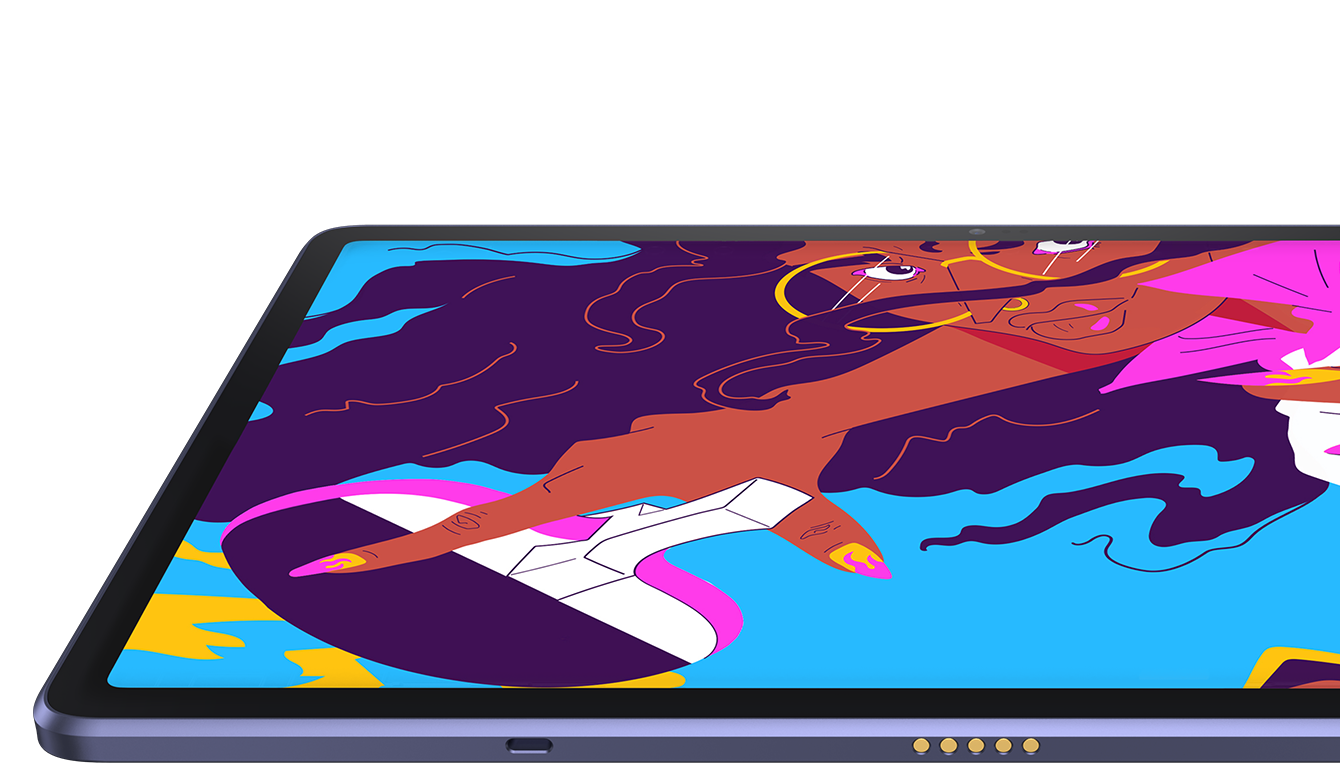
Offers a paper-like drawing experience in full
color with no glare and no harmful blue light.
16K Pressure Levels
Delivers much more precise and smooth lines than
ever before.
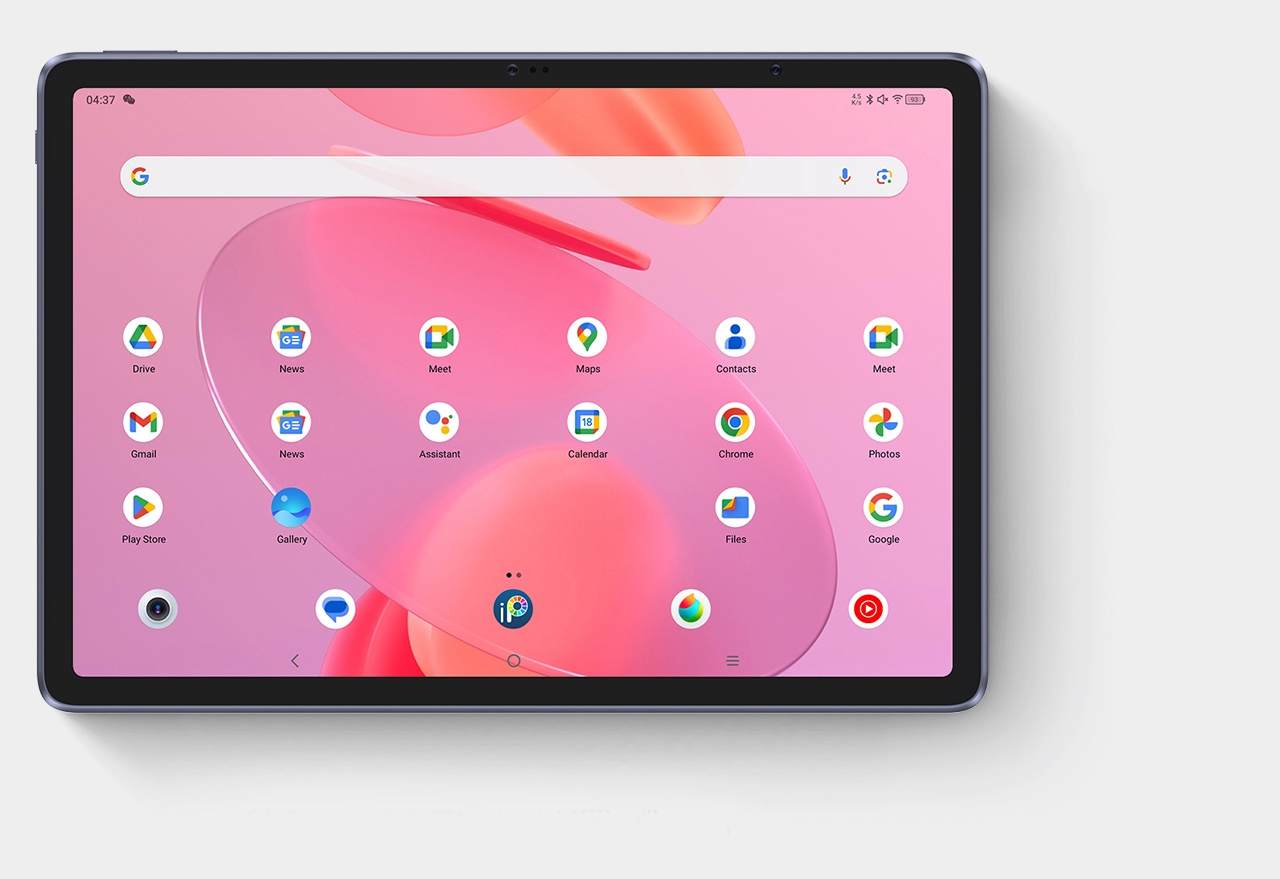
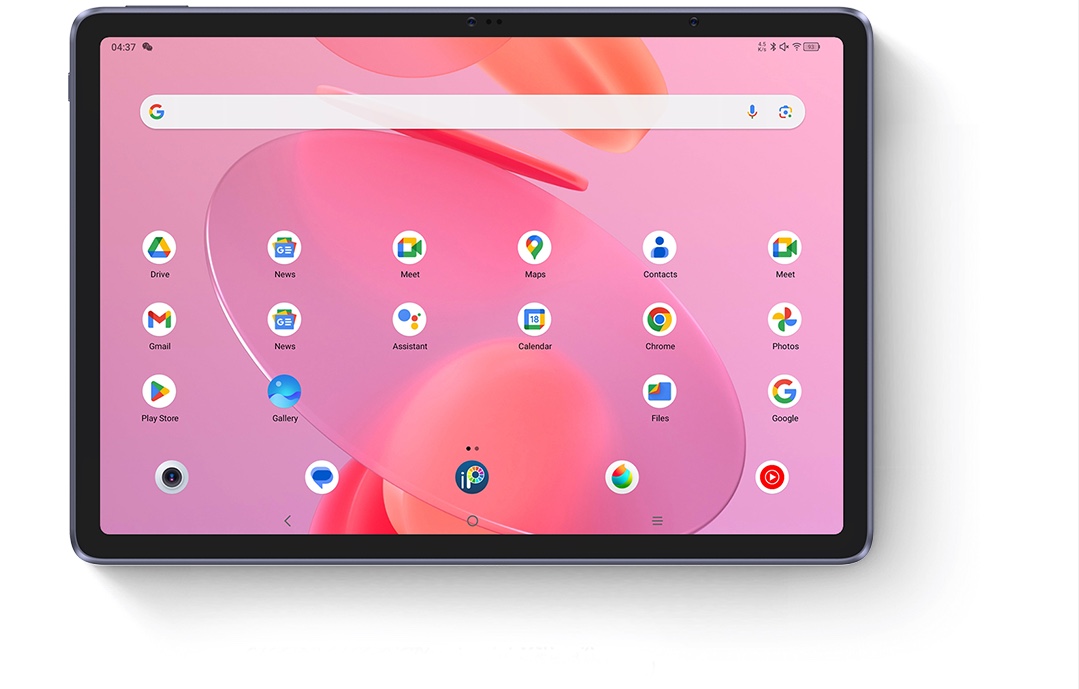
Top Android Drawing App
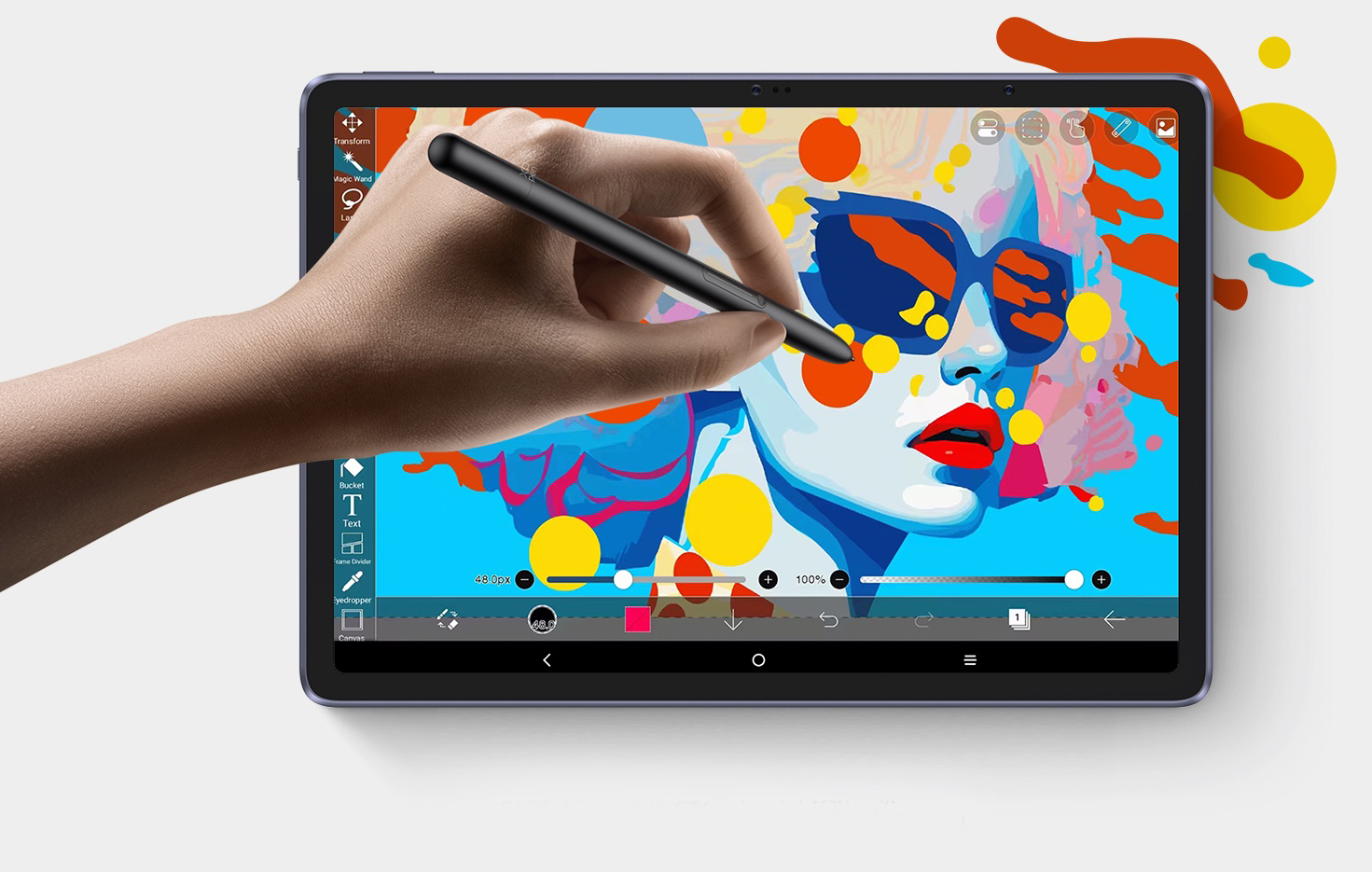
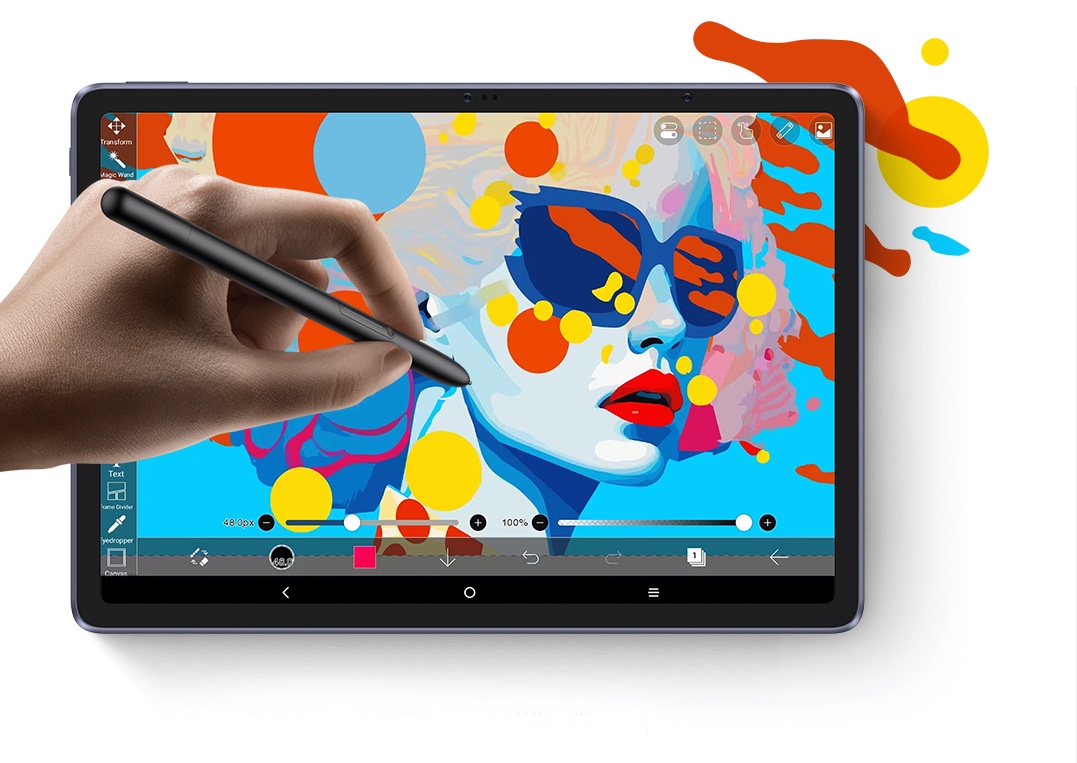
Standalone Android system, ibis Paint X is built in with free membership.
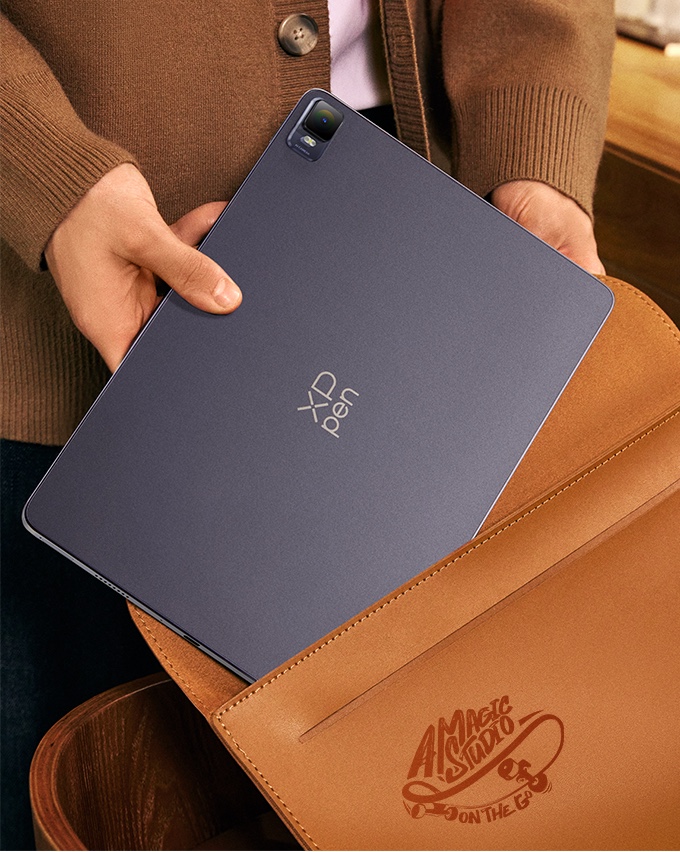
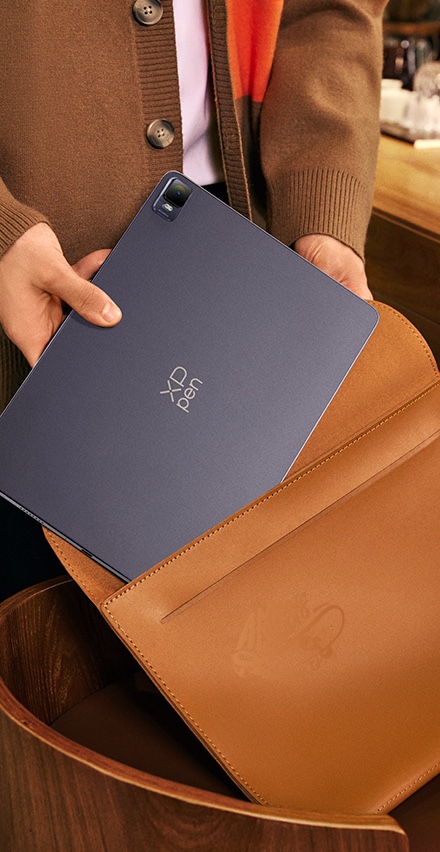
Super Portable
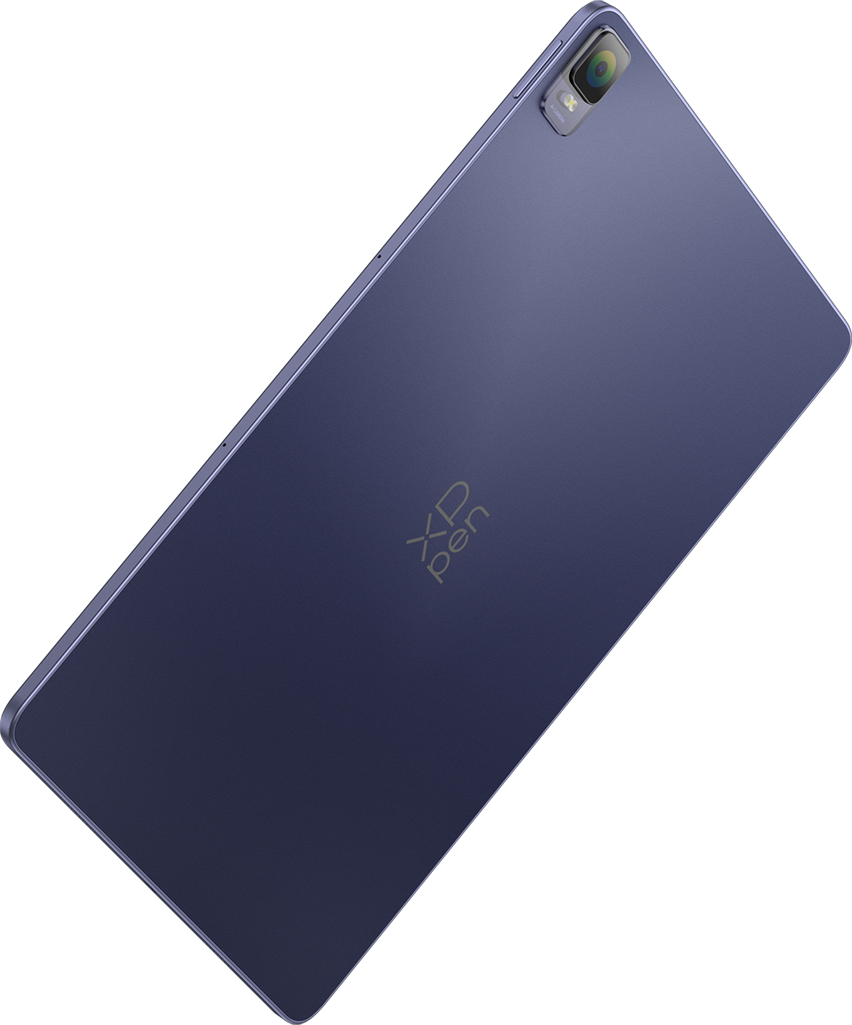
6.9 mm slim, 599 g light. Your mobile studio.
Developed in X-INNOLAB
Go deep into the full storyPowered by a drawing-dedicated chip, 16K pressure levels and EMR technology, X3 Pro Pencil raises the bar for how drawing and creating on a tablet should feel — delicate, precise, and fluent.
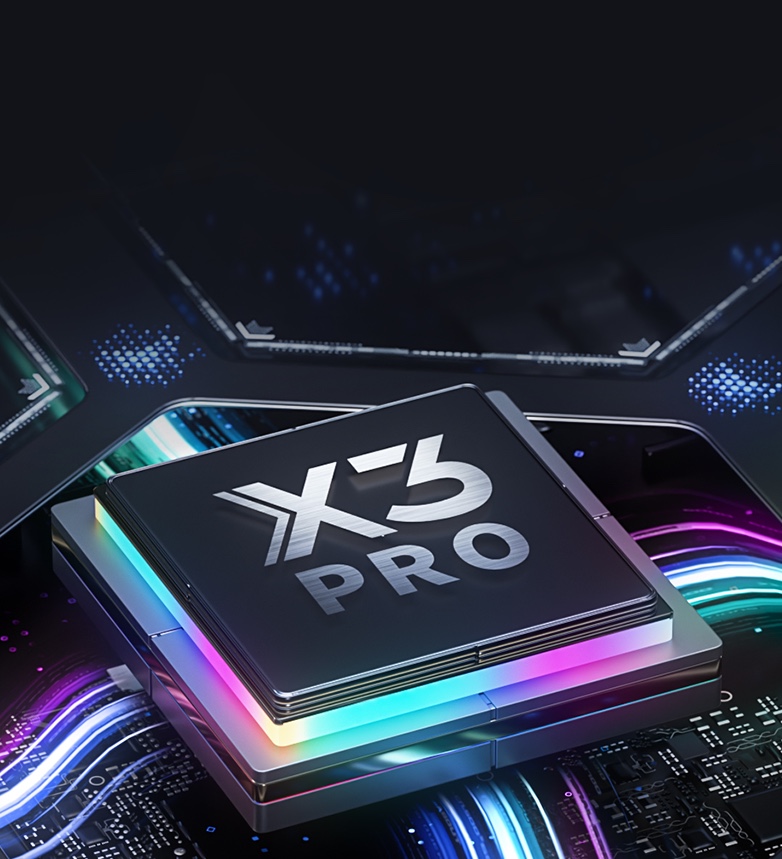
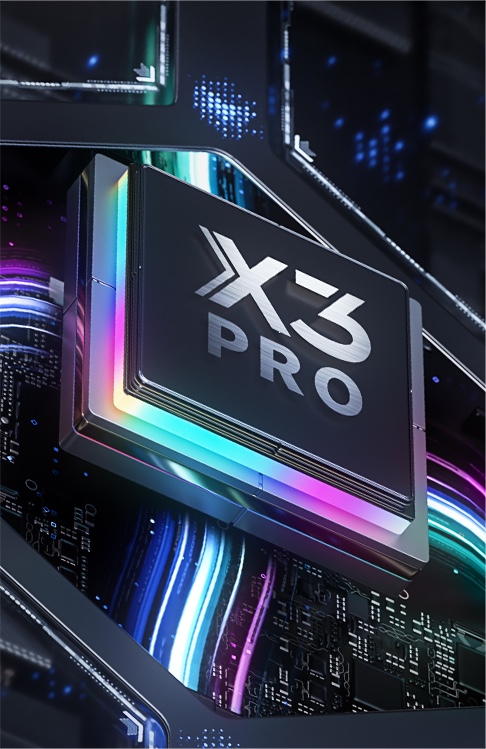
Not all digital pencils are made equal. X3 Pro Pencil is powered by a drawing-dedicated smart chip — which means it has an advanced algorithm to ensure smarter and more stable performance that aligns perfectly with your hand muscle memory.
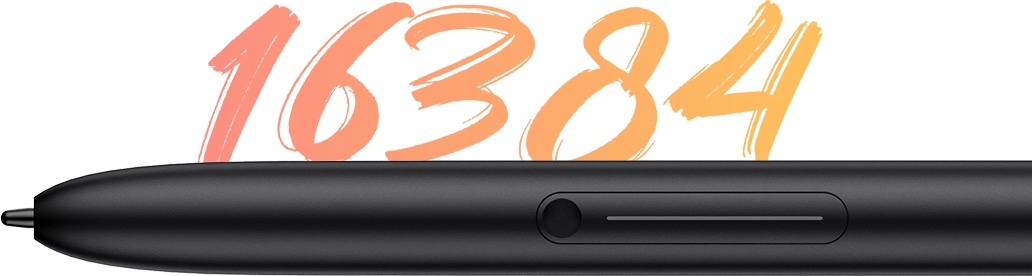
200%* higher than that of common tablet pencils. It brings out the smoothest and most precise lines ever. Delivers each stroke precisely how you expect it to be. And empowers you to excel in hyper-nuanced creation and beyond.
*higher
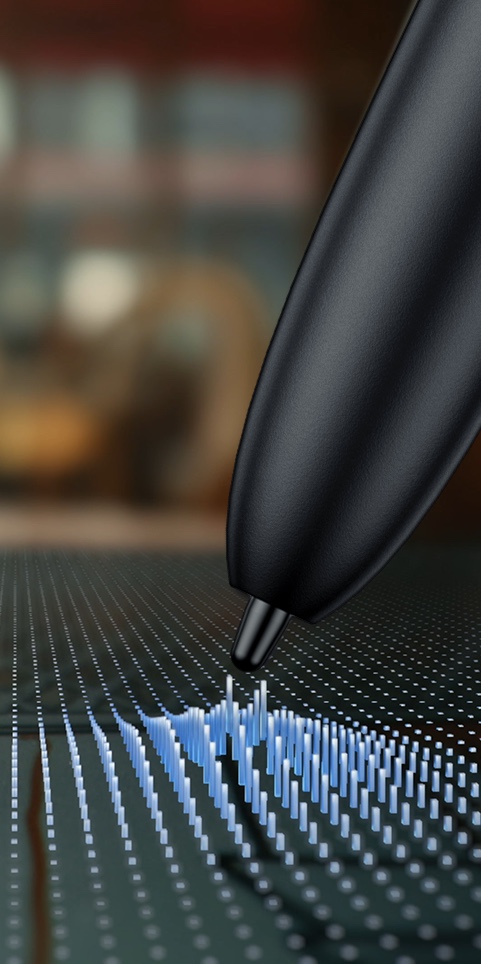
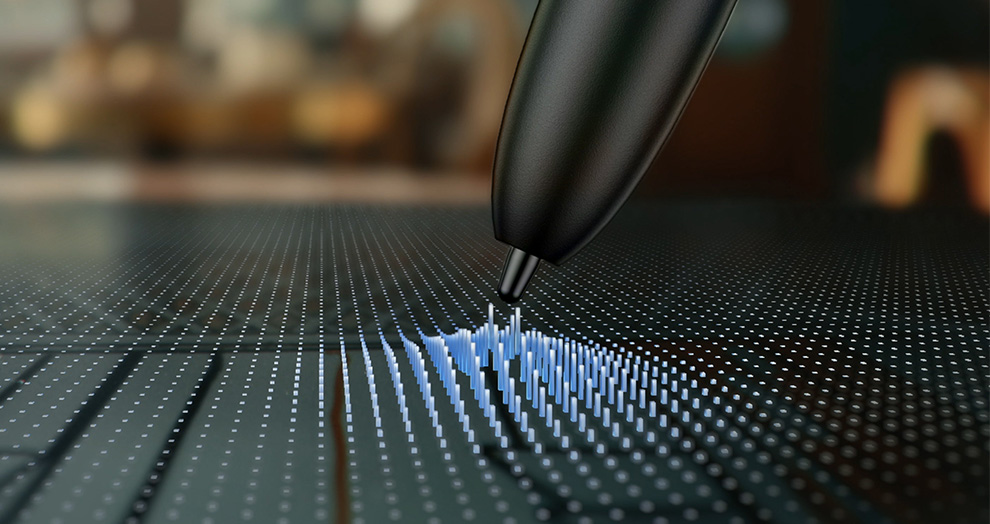
With advanced EMR (Electro-magnetic Resonance) technology, X3 Pro Pencil delivers a digital drawing experience that feels as intuitive and natural as pen on paper.

Resonance
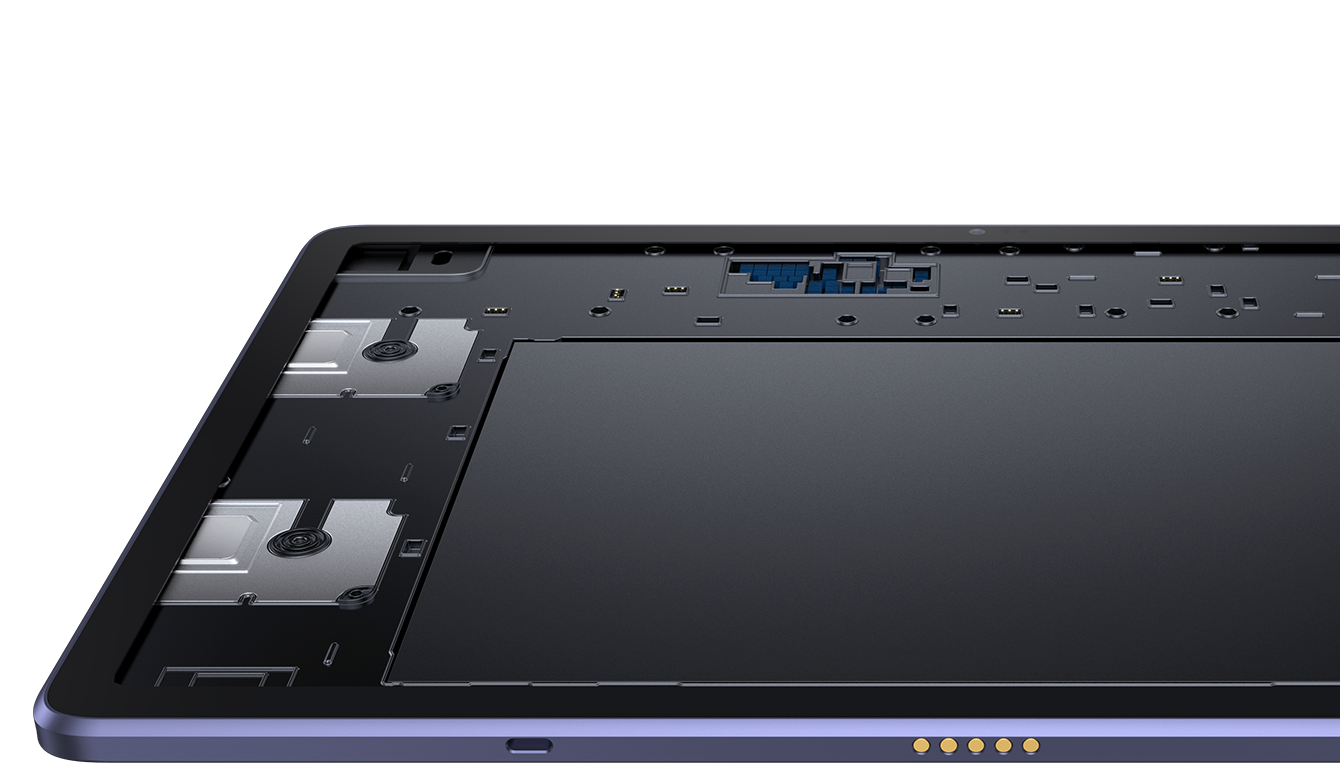
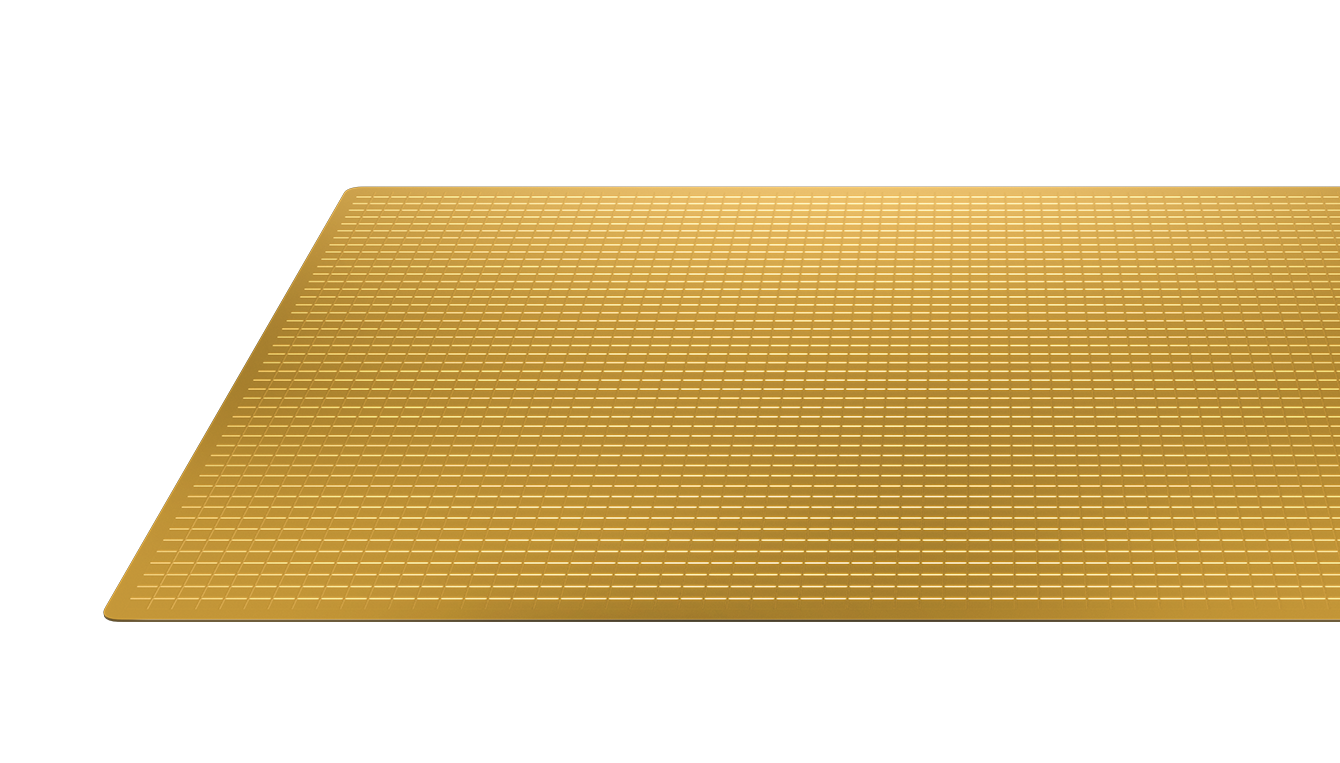
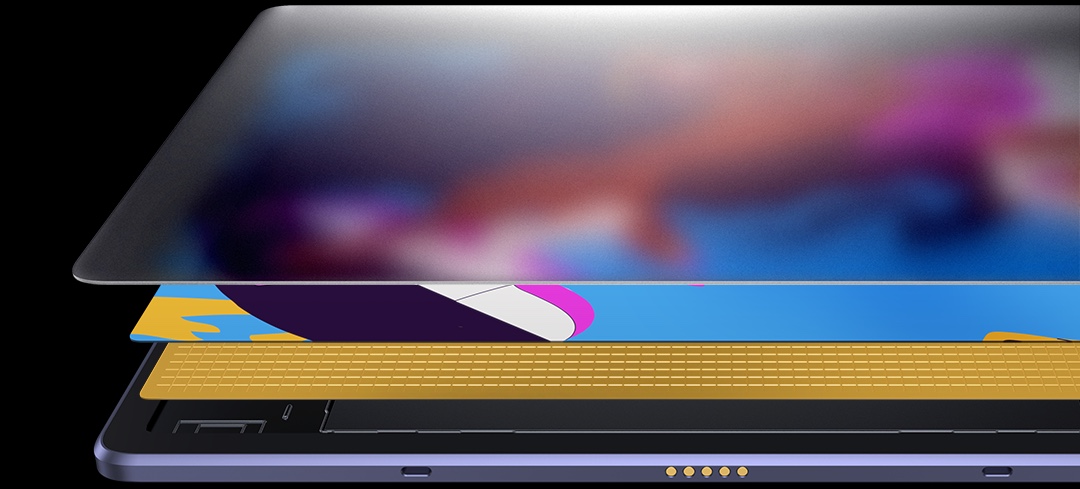
Built with XPPen quality and know-how, the Magic Drawing Pad is made differently from its peers — by integrating an advanced EMR module with sophisticated handwriting processing IC and precision induction sensors, for super accurate signal transmission between the display and pencil. It senses as you glide your X3 Pro Pencil over the display so every stroke you make syncs to display instantly and precisely.
No charging. No Bluetooth pairing or connection. Just pick it up to draw when inspiration strikes and it will keep going as long as you do.
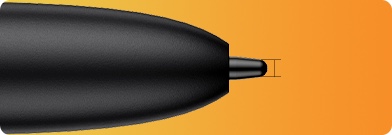
With a thin nib of just 1.65 mm, X3 Pro Pencil offers exceptional precision for nuanced artwork. It effortlessly and accurately captures every line, dot, or swirl on the screen, without obstructing any part of your drawing.
1.65mm
Enables the function of brush or eraser with just a click. And more functions can be customized. Switch functions easier, and create way faster.
X3 Pro Pencil
(Magic Drawing Pad)
Capacitive stylus
(Most tablets)
EMR technology
Common stylus technology
Powered by drawing-dedicated chip
No drawing-dedicated chip
16,384 pressure levels
≤4096 pressure levels
Battery-free. Free of charging and Bluetooth paring. Pick up to use.
Battery powered. Frequent charging. Bluetooth connection.
Thin nib
Thick nib
Weight: 10 g
Weight: approx. 20 g. Prone to cause strain and discomfort over hours of creation.
Can distinguish between fingers and stylus to prevent false operation
Can’t distinguish between fingers and stylus
More durable
Less durable (Limited battery life)
Anti-interference
Susceptible to interference (easily affected by foreign matter on the display, like sweat, water stain, etc)
X-Paper A display that looks and
feels totally natural
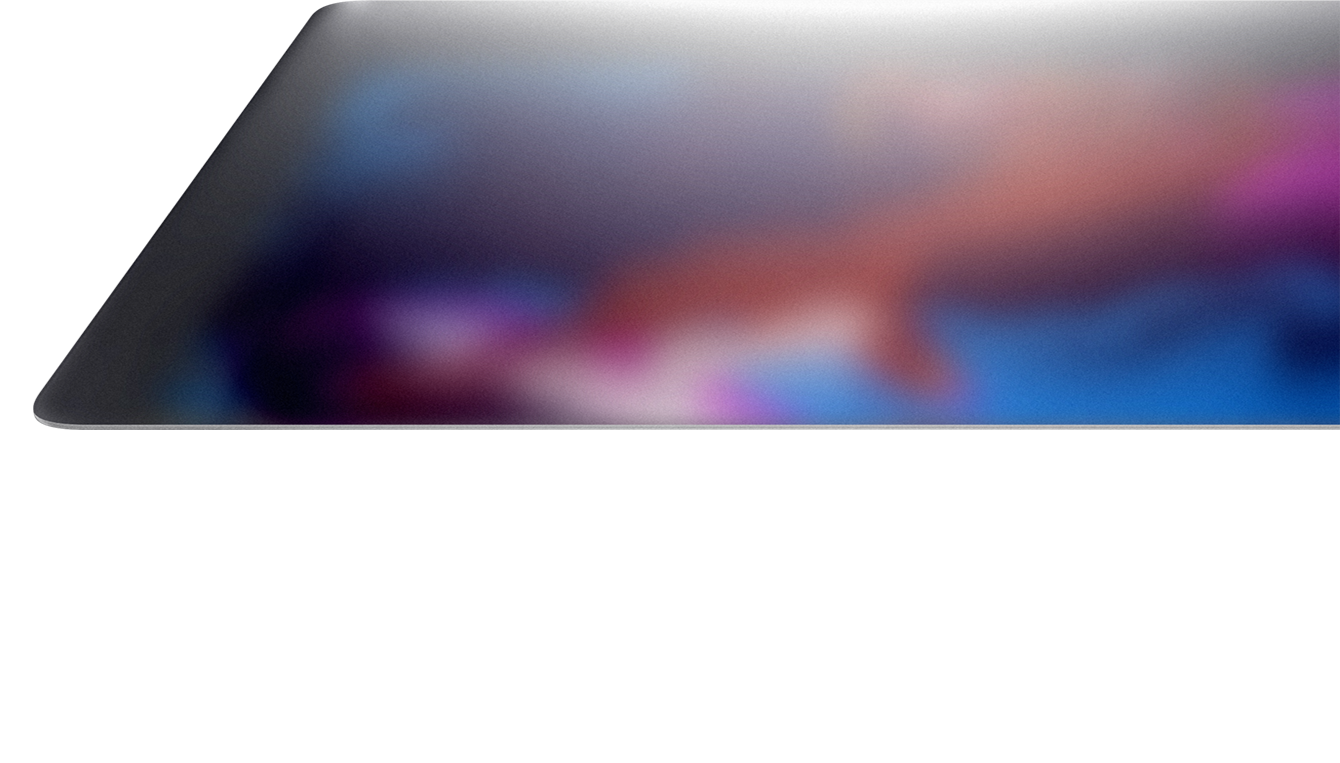
Love drawing on a traditional medium? X-Paper is crafted with AG etched technology to emulate the friction and resistance of premium paper as you move the stylus across the surface of the pad, while reducing unwanted glare and fingerprints. Draw intuitively, familiarly.
Presents stunning images in true-to-life color, with a wide color gamut of 109% sRGB and an incredible 16.77 million colors. Ensures even the most color-intensive artworks come to life with unparalleled vibrancy and precision.
16.77 million colors
109% sRGB
Thoughtfully designed with eye comfort in mind, X-Paper is TÜV Rheinland certified, and enhanced with 10 steps of soft light treatment so you can create without worrying about straining your eyes even when racing against deadlines.
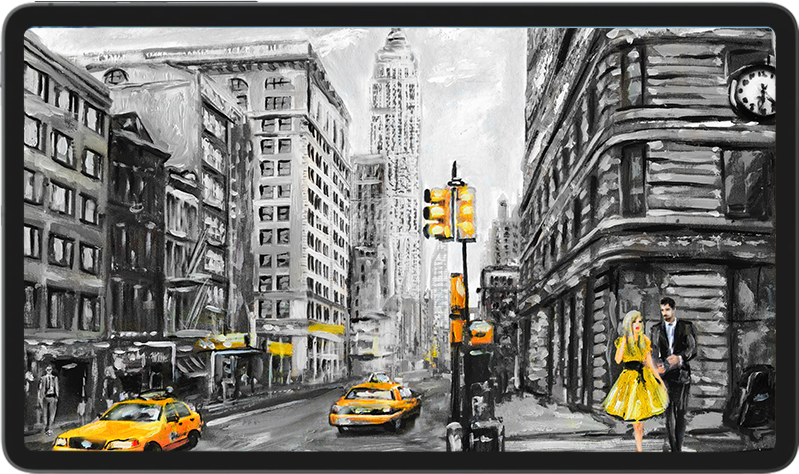
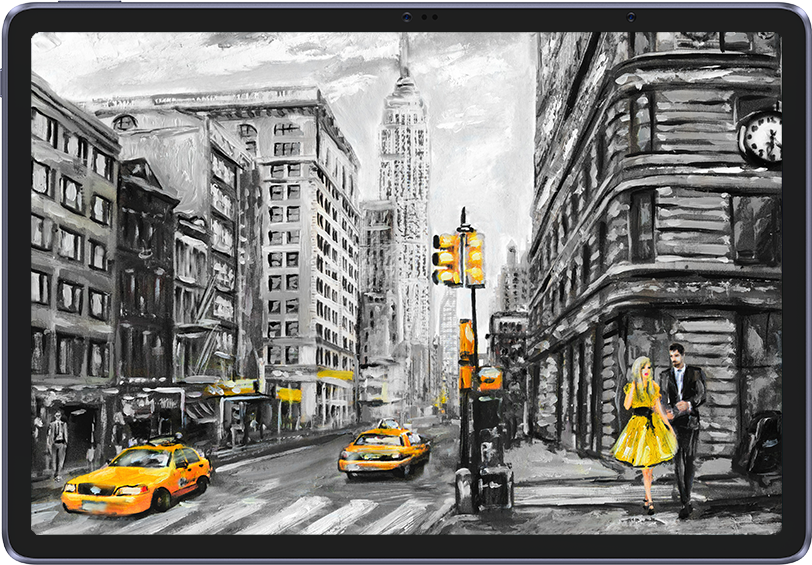
At a 3:2 ratio, this 12.2 inches X-Paper offers a more expansive space for your ideas to run wild and enhance your creative flow. Effortlessly capture the entirety of your vision without constantly zooming in and out.
Common Pads 16:9 ratio
Magic Drawing Pad 3:2 ratio
18.5% more of canvas
Contain any tool that you need to create and
style your art like a pro. Take your work to the next level.
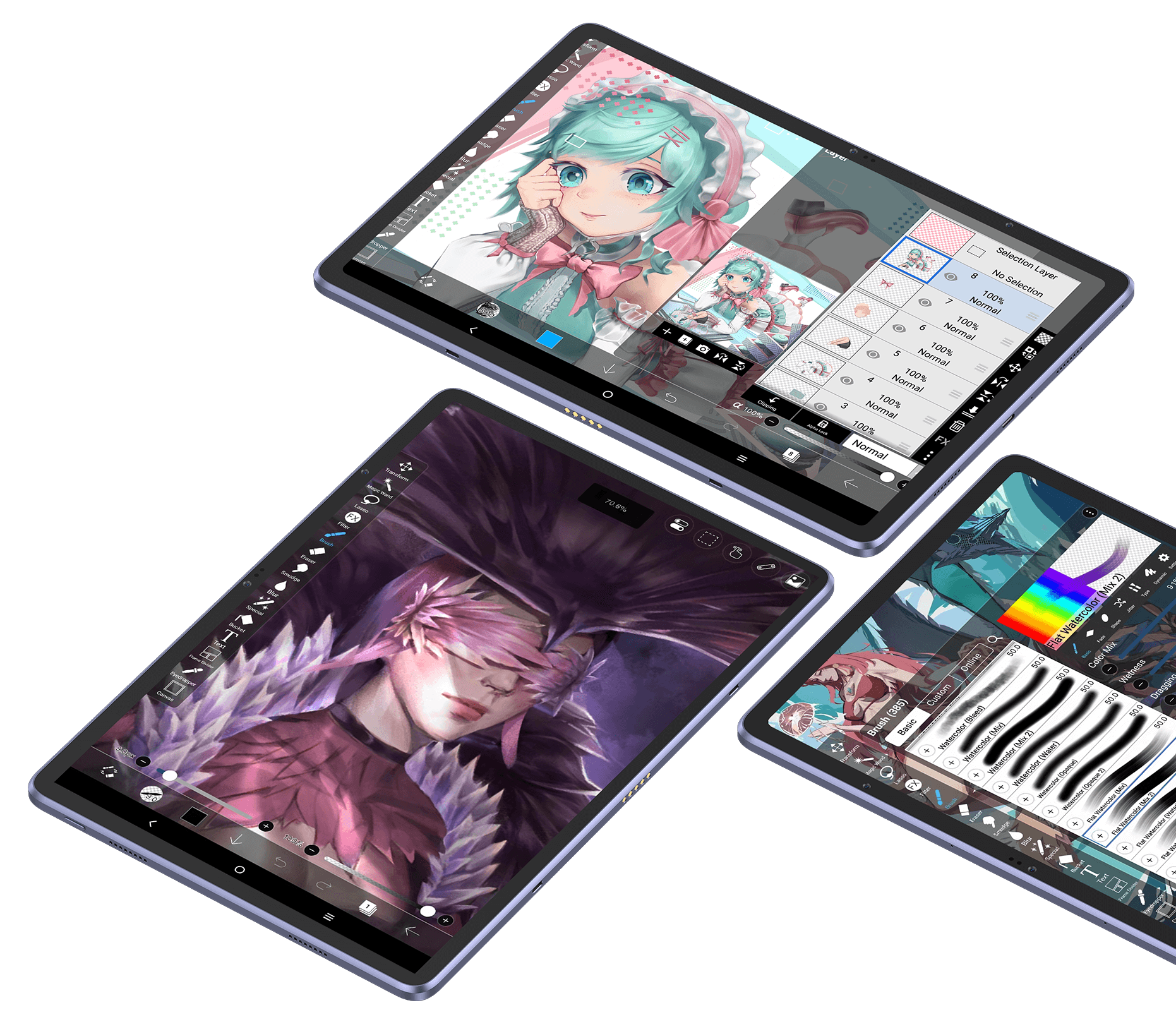
3-month free membership upon activating the ibis Paint X account along with the purchase of the Magic Drawing Pad.
* The ibis Paint X version is required to be V11.1.1 or later. Please upgrade the built-in ibis Paint X to the proper version on Google Play upon receiving the device. Read the guidelines for free membership redemption.
Enables function customization* of the
Pencil in the app setting.
Brush/Eraser
Eyedropper
Full Screen
Zoom Fit
Undo
Redo
Color Pallet
Palm Rejection
* Customize the pencil function by setting the button function in the app setting. Switch the pencil function by clicking the button.
Sketchbook / Nomad Sculpt / Concepts
Infinite Painter / Tayasui Sketches / Clip Studio Paint
Simply slip it into your bag and go.
No need for Mac or PC connection. Independently run on the built-in Android system. Pick up to use.
256GB ROM. Spacious space for tons of drawings. Always ready to impress prospects with your artwork at a moment's notice.
256GB
8000 mAh battery. 13 hours* of battery life for non-stop creation. And the bonus — it supports reverse charge to lend juice to your phone on the travel.
8000mAh
13 hours
8000mAh
13 hours
* The data were taken in the condition of the display brightness at 30% and may vary depending on the operating environment.
Create anytime,
anywhere.
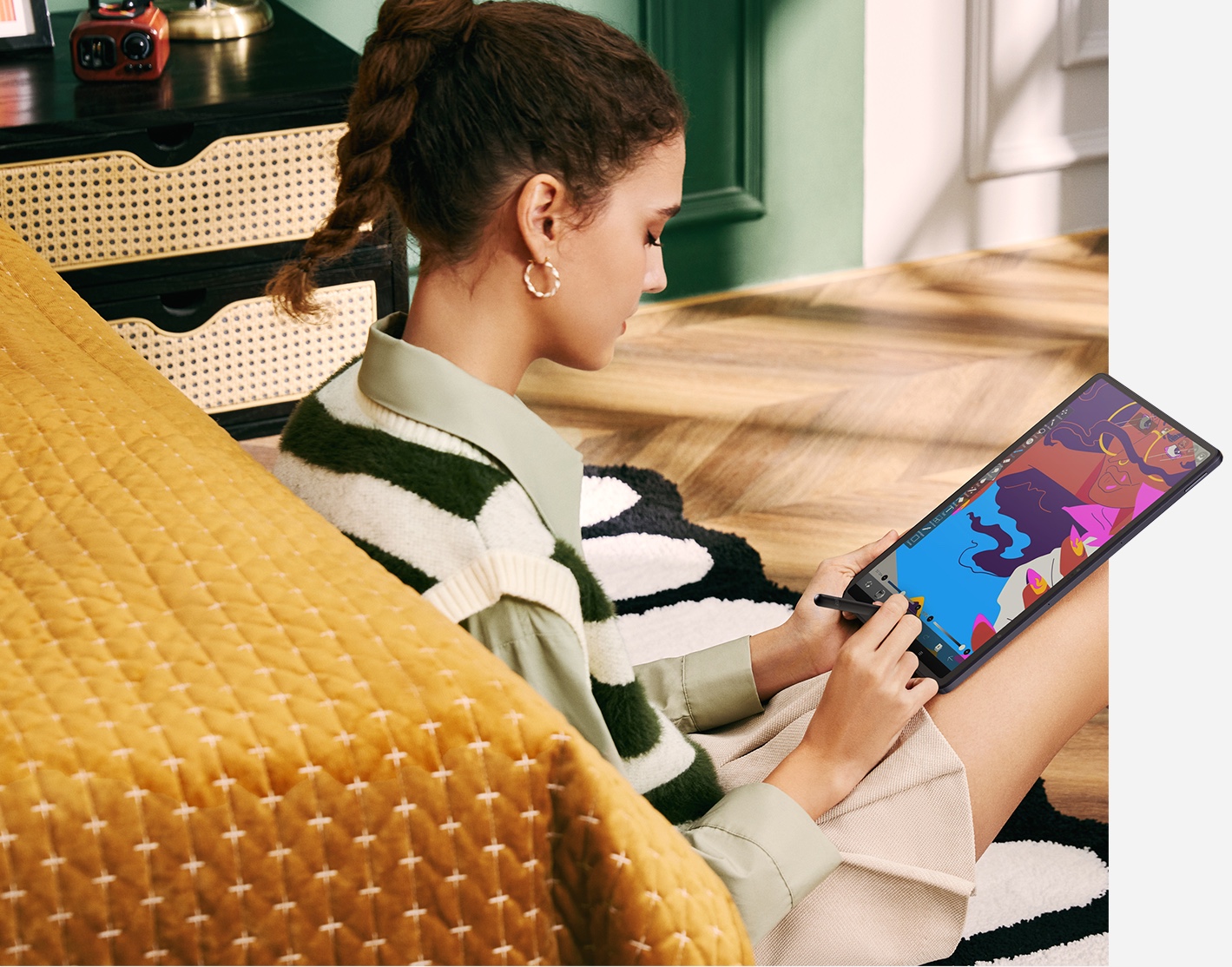
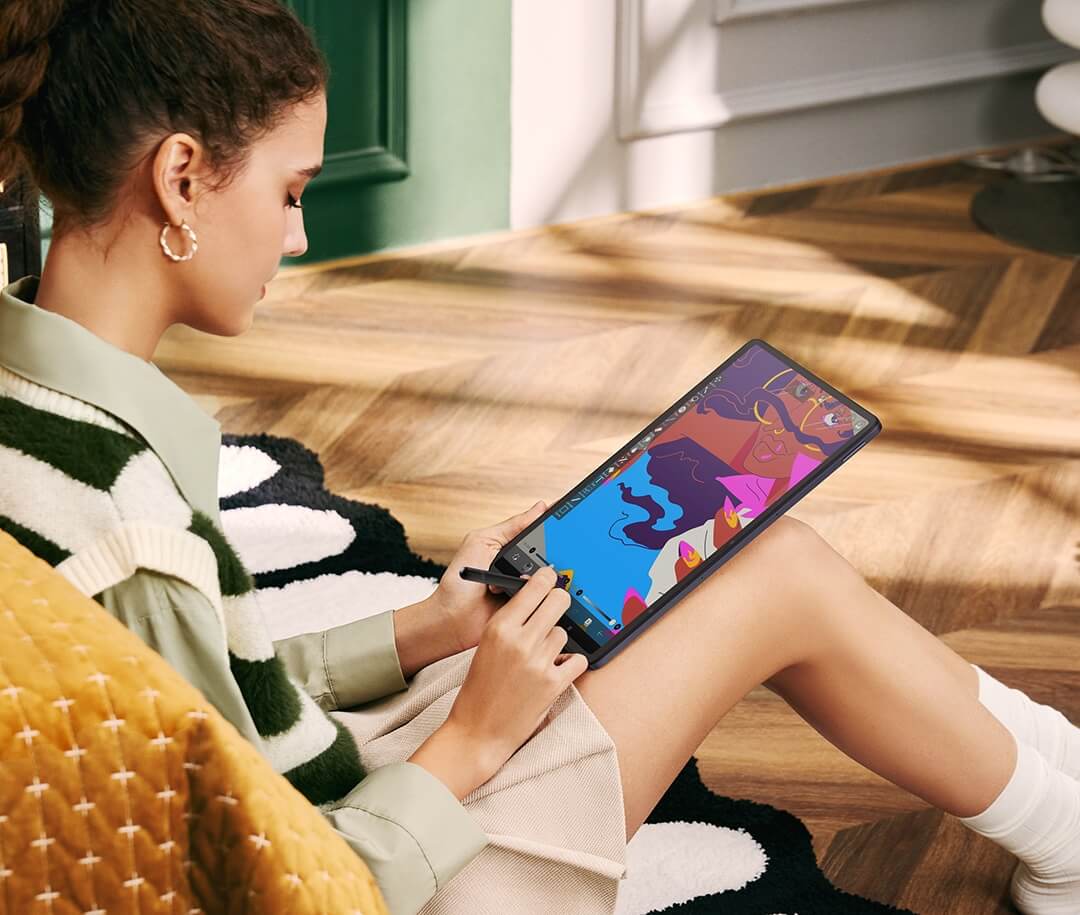
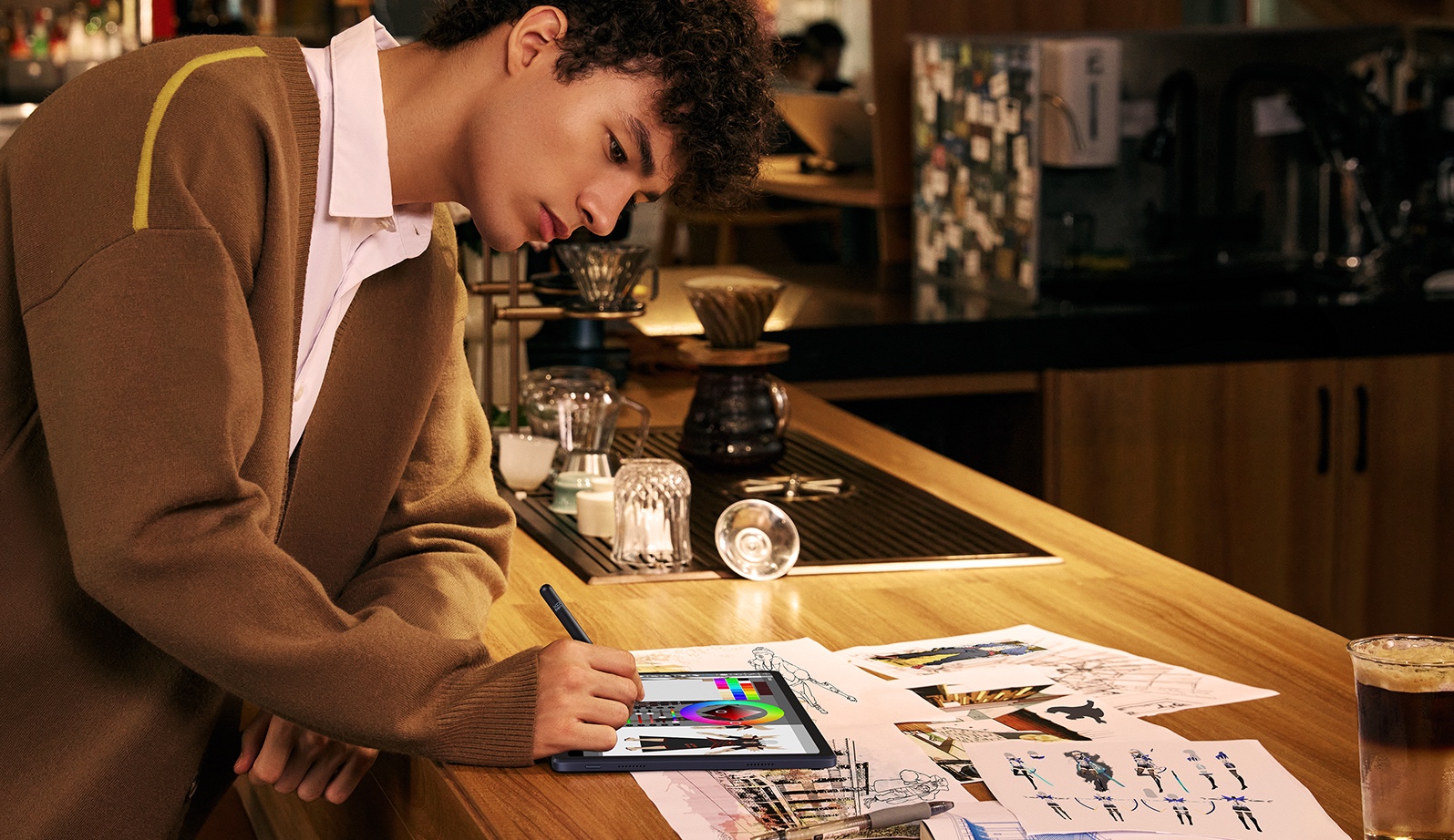
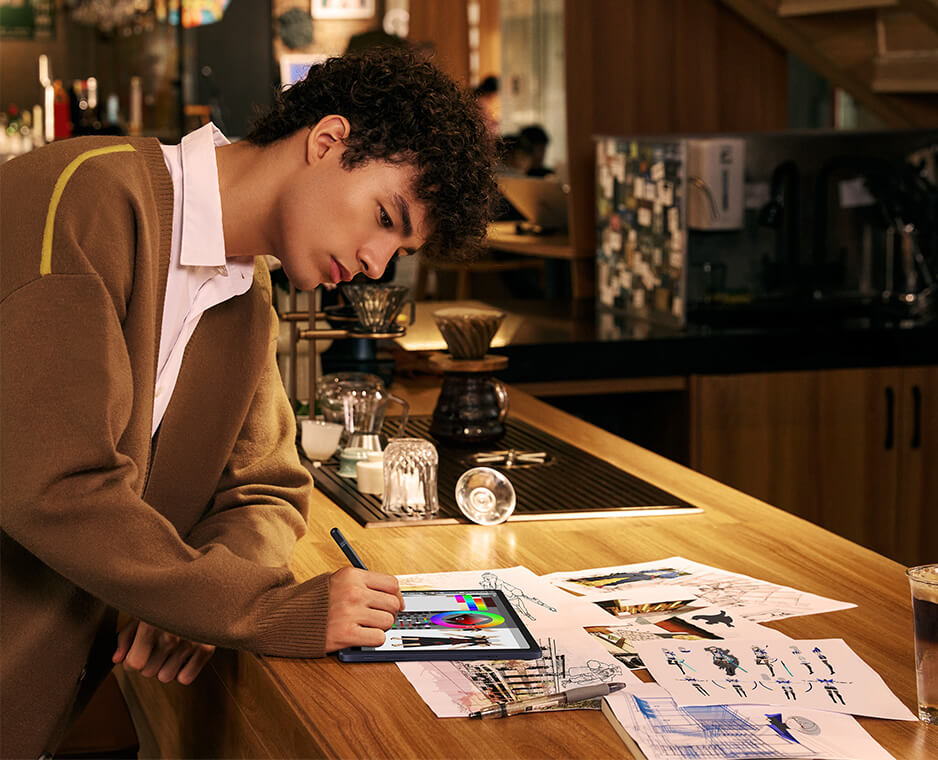
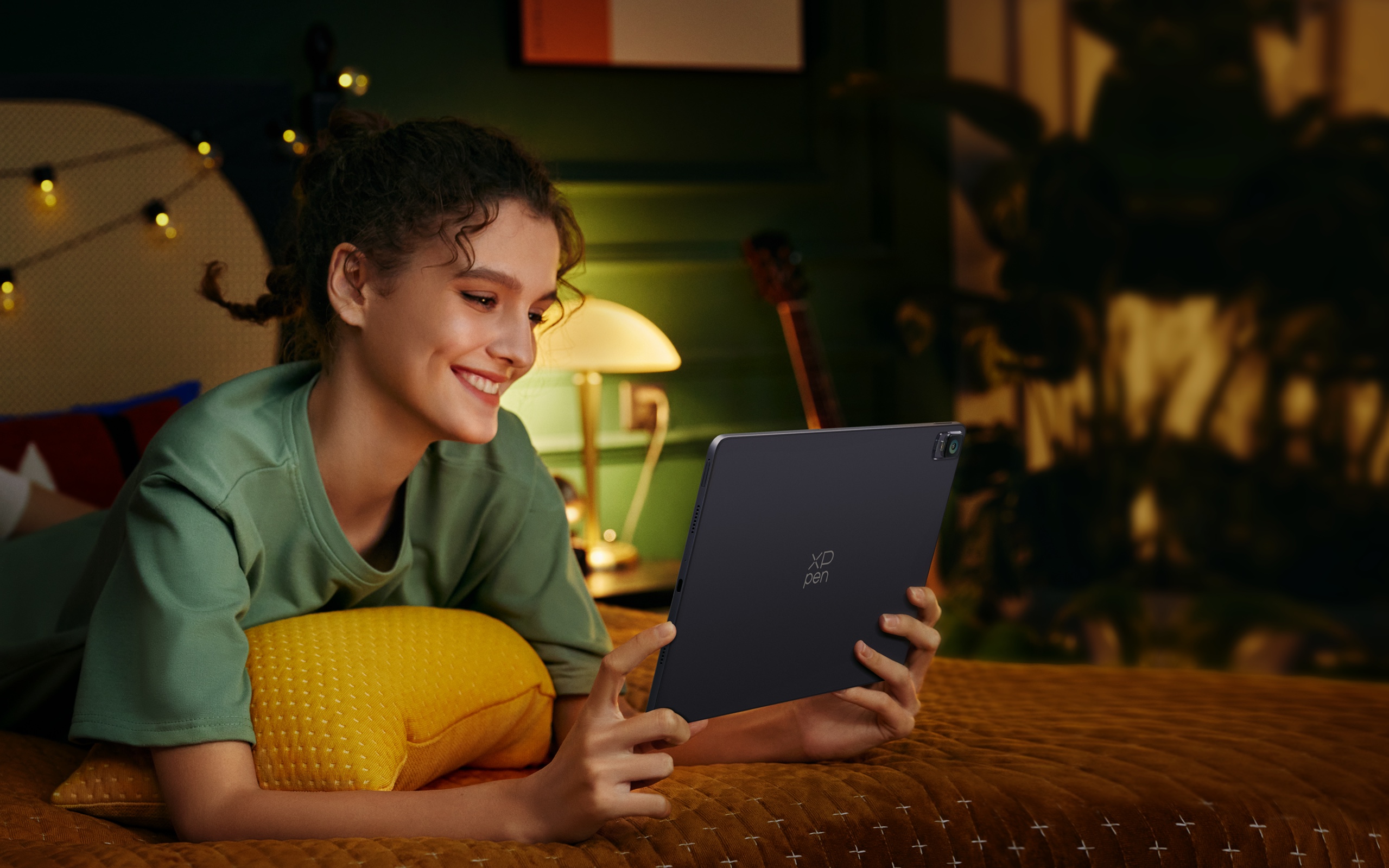
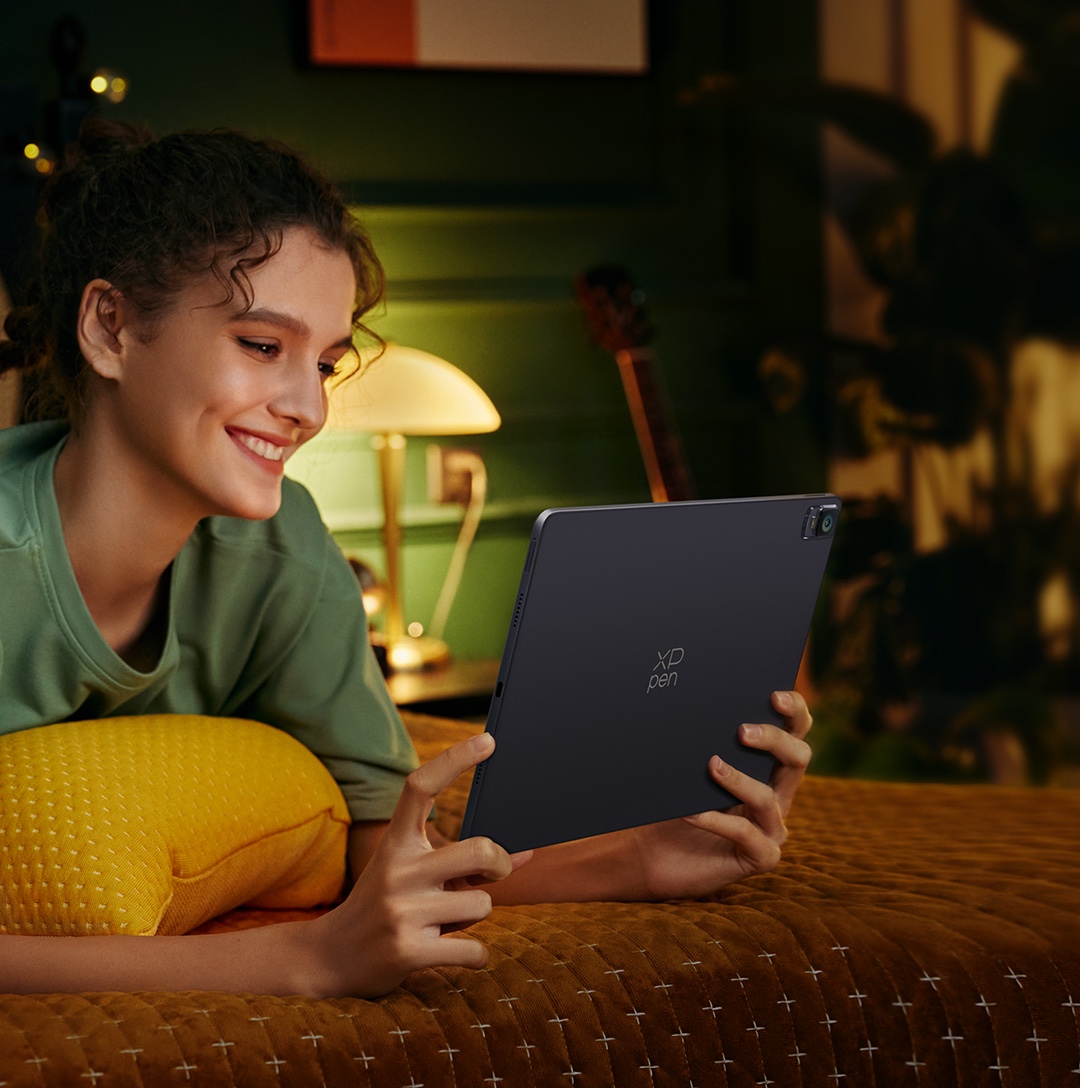
Fully mobile, ultimately flexible to work the way you like — from the comfort of your couch to the convenience of easily carrying your pad to your patio, coffee shop, or literally anywhere you go.
Work the
way you like
Always ready to capture your ideas. With this standalone drawing tablet by your side, never miss a moment of creativity, whether you’re taking a subway or camping out.
Always ready
for inspiration
Indulge in the gentle caress of the breeze and the melodious symphony of birdsong as you lose yourself in the enchanting realm of artistic expression.
Create with joy
Elevate any moment with a heartfelt sketch, whether you’re on a commute to work or on an outdoor adventure in the wilderness.
Every moment counts
Facilitate your creative collaborations with Magic Drawing Pad in hand. Seamlessly showcase your work and make real-time adjustments on the fly.
Efficient
More ways to enjoy the Pad.
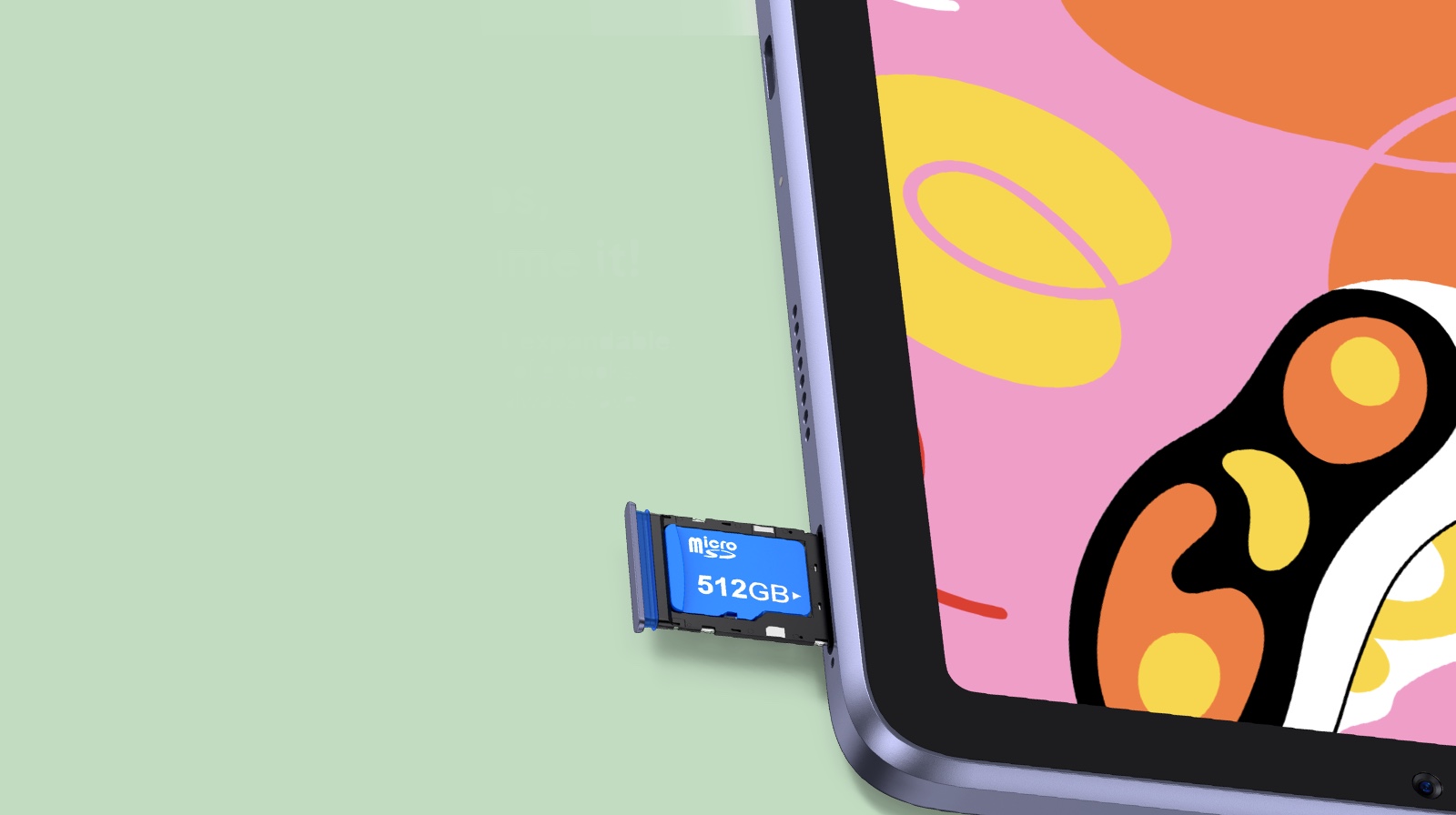
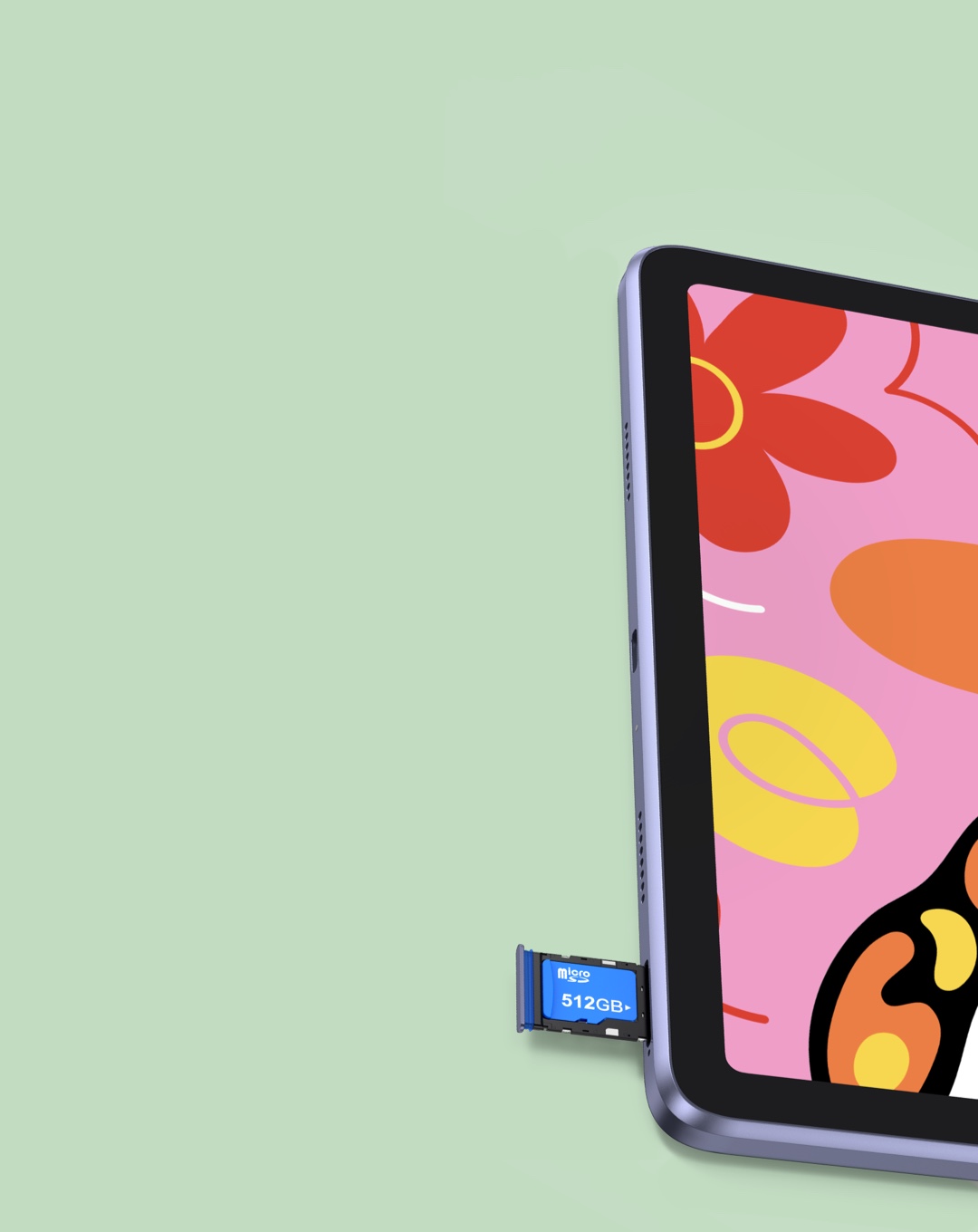
Supports Micro SD, 512GB expandable. Extra enormous storage for tons of e-books, videos, games with ease. You’ll always have something to relax yourself.
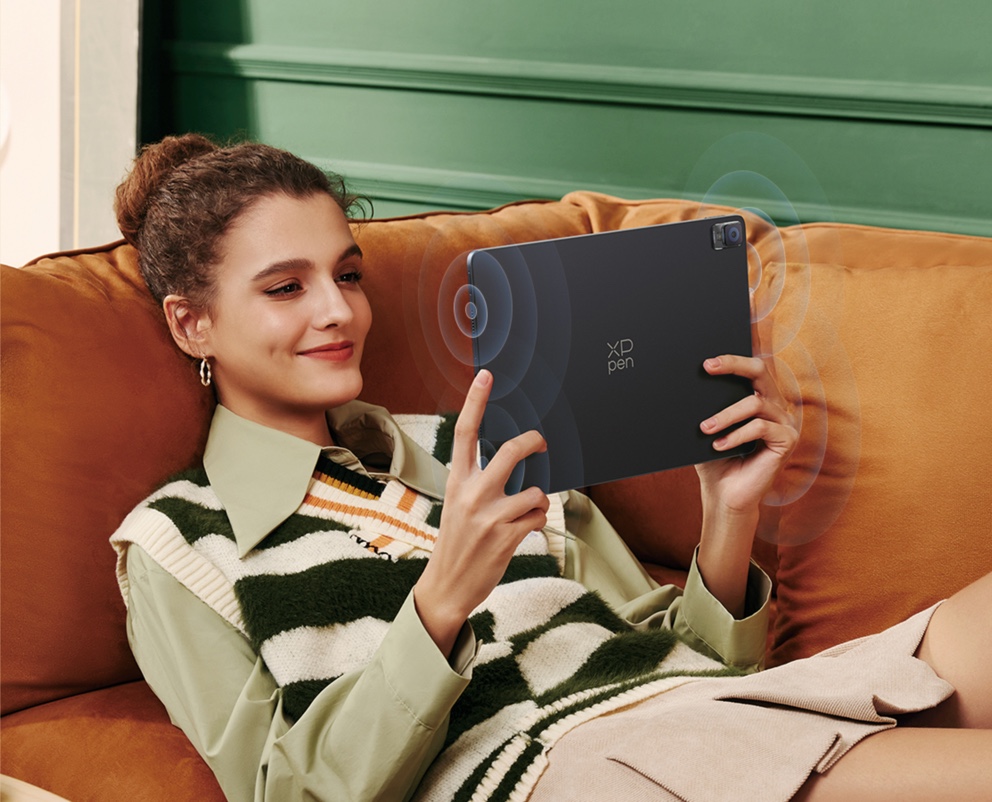
4 speakers. Immerse yourself in your favorite tunes or enjoy entertaining TikTok videos with crystal clear sound quality.
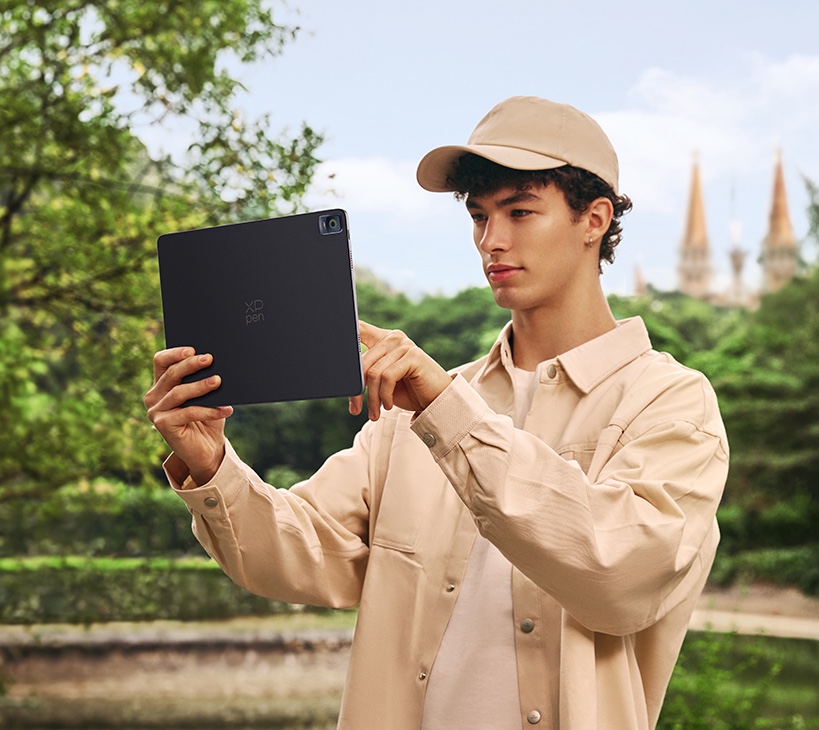
13MP rear camera & 8MP front camera. You will never miss any memory-worthy moments whether having quality family time or exploring a breathtaking countryside.
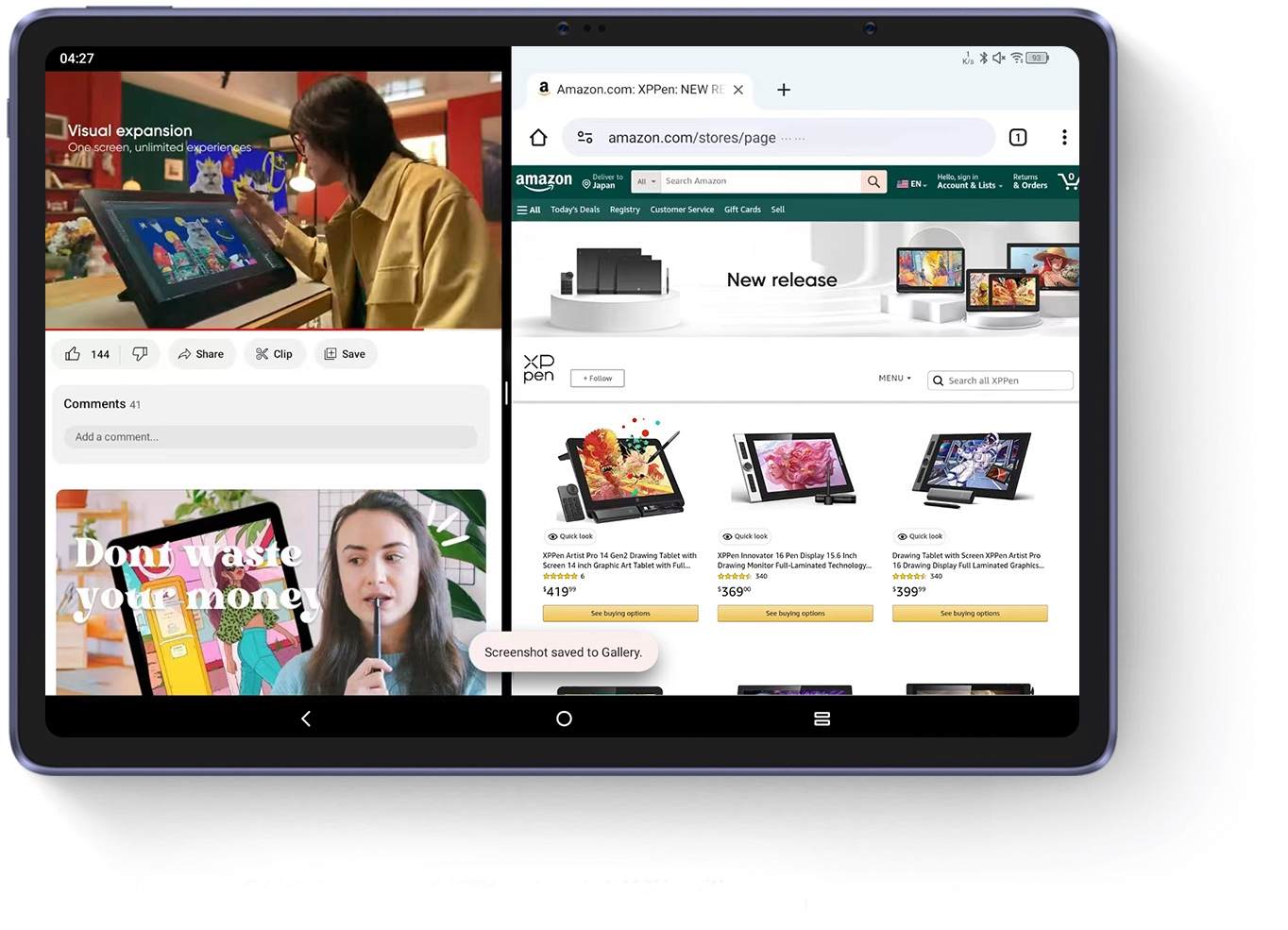
Dual windows. Immersed in a popular TV series but an urgent task popping in? Glide to split the screen, so you can answer the duty call while finishing the show.
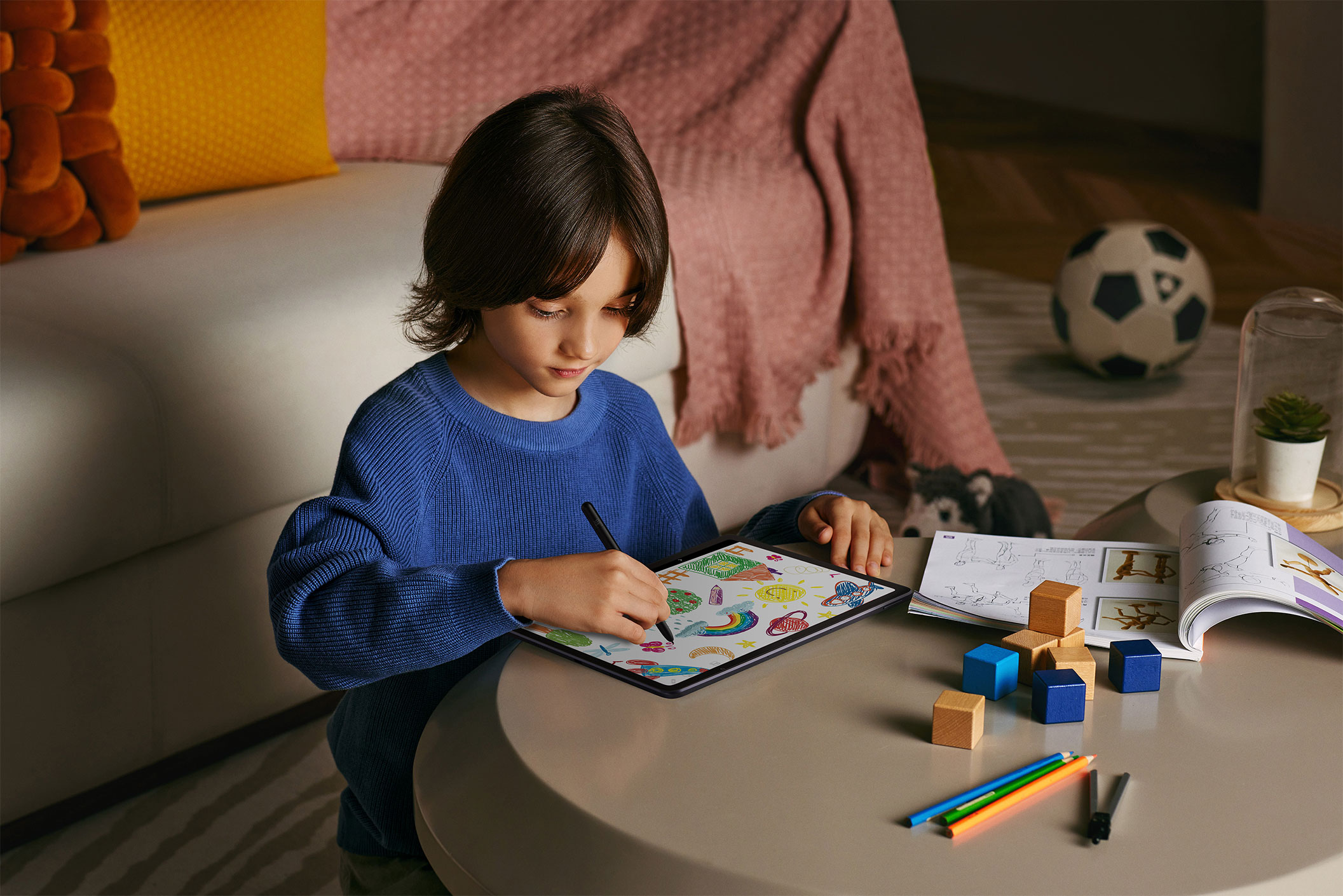
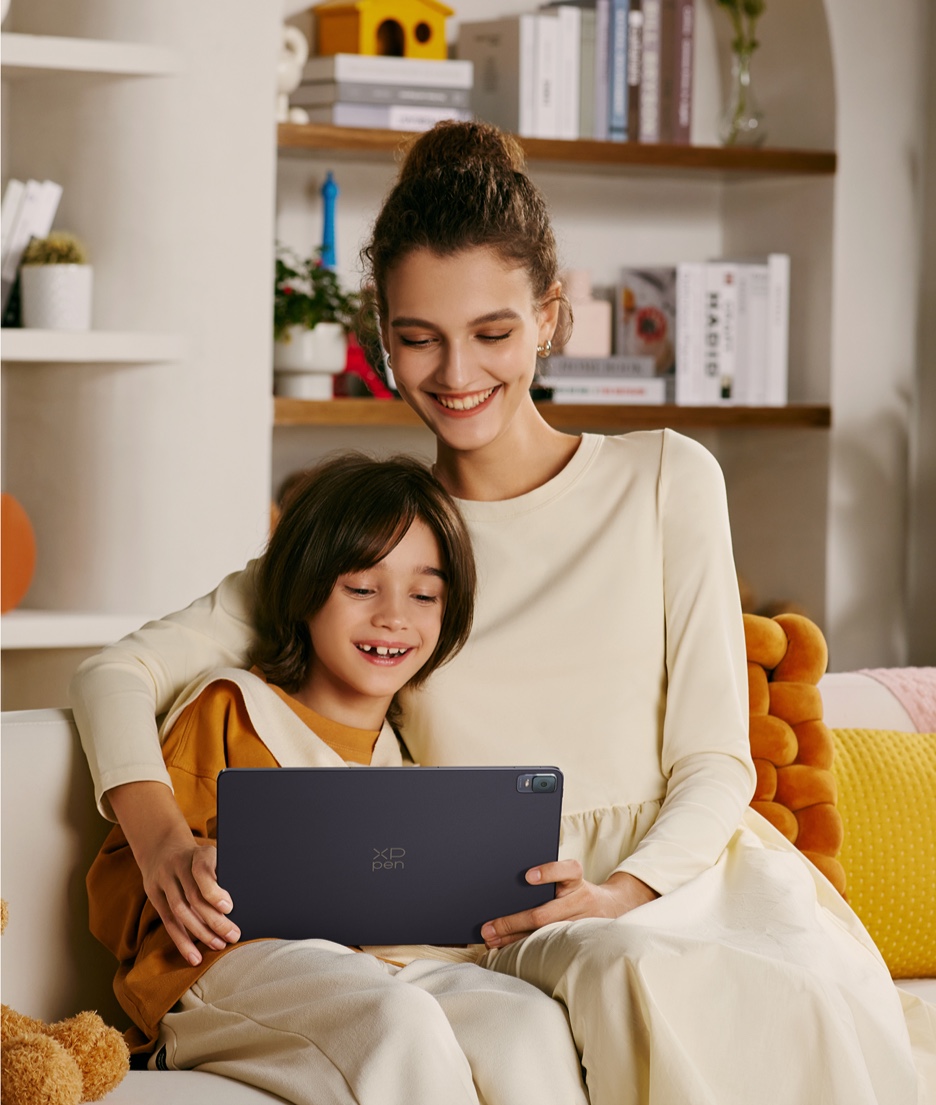
Get the kid engaged by allowing them to doodle on the pad or read comics, while resting assured that this pad is TÜV Rheinland certified eye protective, and features a kid-dedicated reading mode and a drop-resistant case providing additional care.
1 x Tablet
1 x Stylus
1 x Protective Case
1 x Power Adapter*
1 x Charging Cable
8 x Pen Nib
1 x Nib Extractor
1 x Glove
1 x Quick Guide
1 x Warranty Card
*Power adapter is not included in some areas, subject to actual package content.
Show more


Get the latest on XPPen products, free trials, and more.
Copyright© 2025 HANVON UGEE (HK) TECHNOLOGY CO., LIMITED All Rights Reserved.



























 NO_EVALUATION